Advice & how-to
Can I use my laptop as a monitor?
Learn when a laptop can receive another screen, why ordinary HDMI usually fails and when wireless projection or capture hardware makes sense.
LAPTOP DEN / VIDEO / DISPLAY / PORTS
Written guides to laptop displays, TV connections and capture setups. No video tutorials are currently published in this collection.
4 guides to explore
Learn when a laptop can receive another screen, why ordinary HDMI usually fails and when wireless projection or capture hardware makes sense.
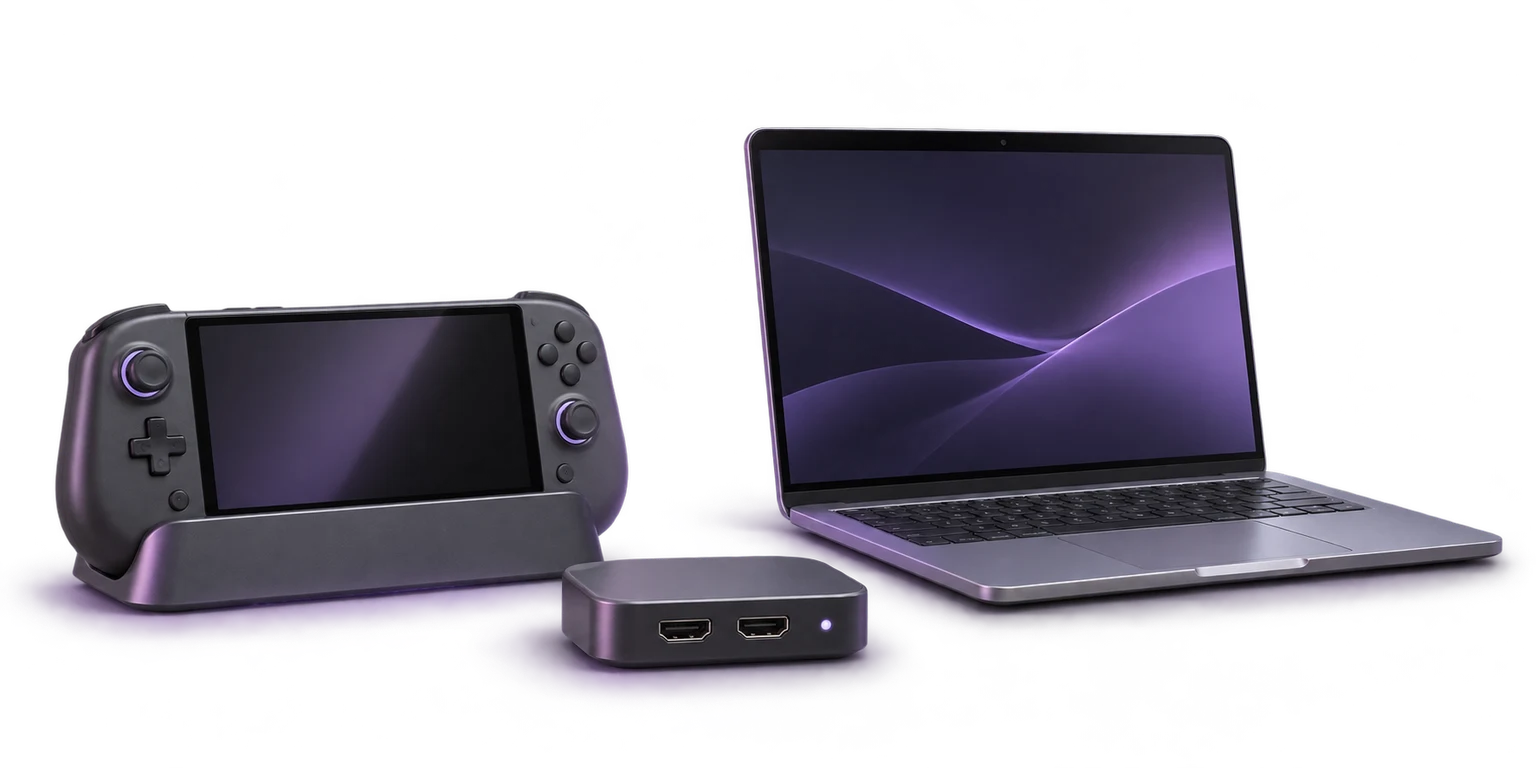
Connect an original Nintendo Switch or Switch OLED through suitable capture hardware, and understand why a direct laptop HDMI cable usually does not work.
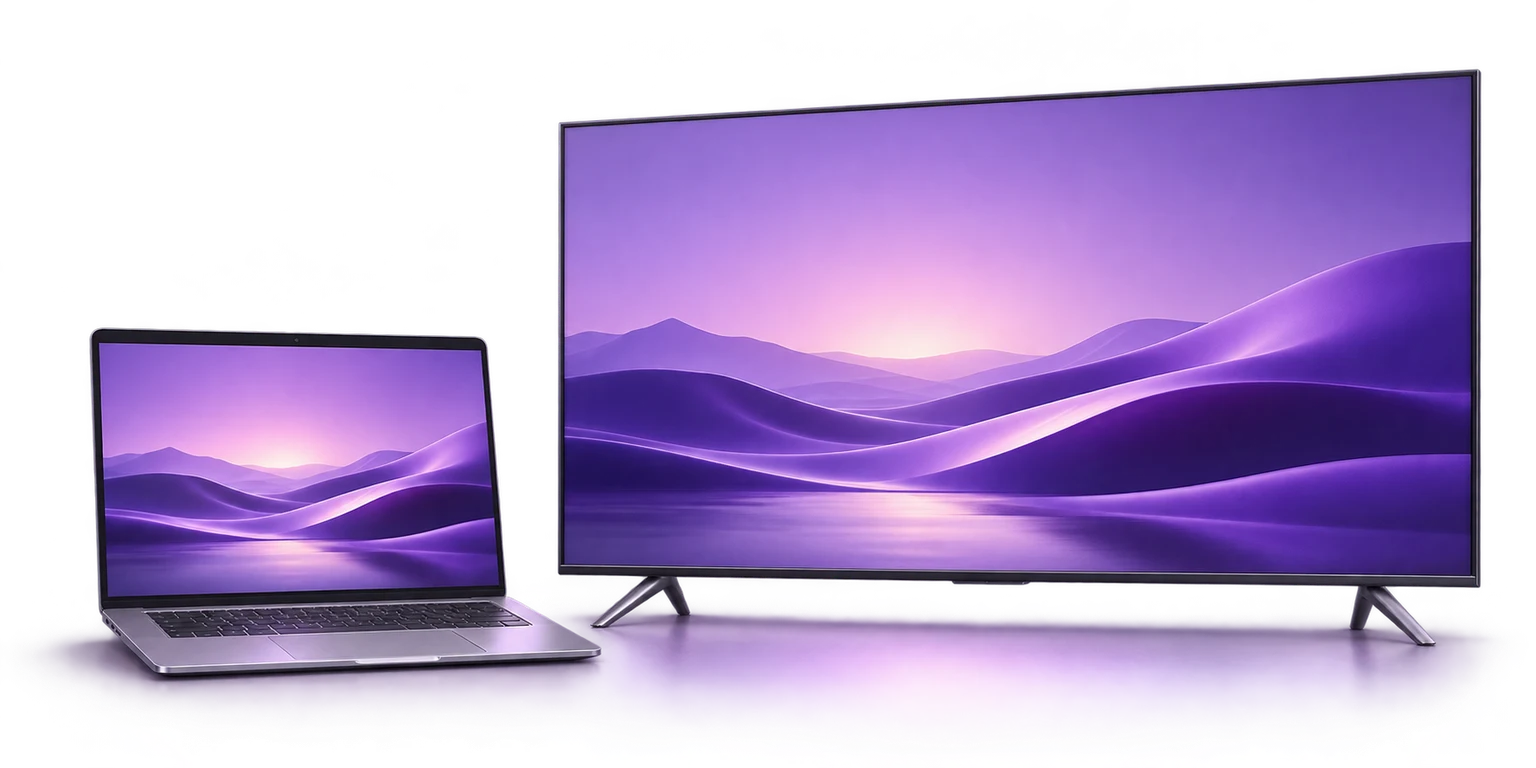
Choose between HDMI, supported wireless mirroring and TV apps, with checks for sound, display mode and connection compatibility.
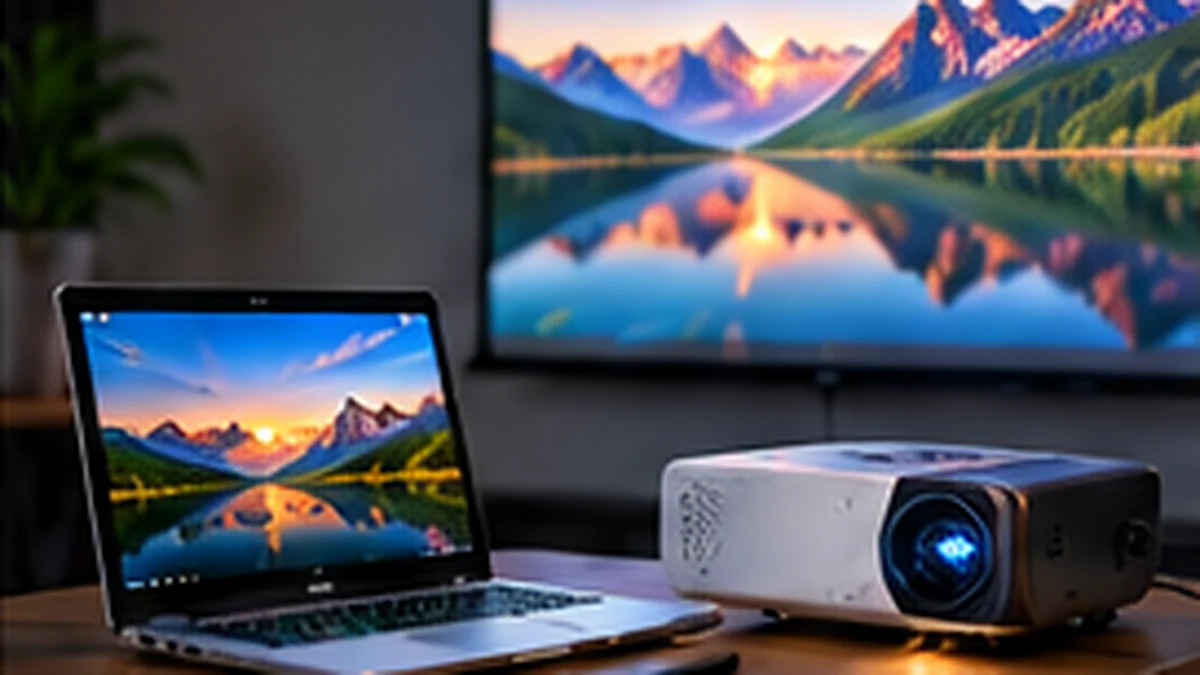
Compare eight laptop projectors from WXGA to 4K-capable models. Check HDMI, native resolution, room placement and the limits of high-refresh claims.
Try a shorter title, a brand or a task.
Find another route through the research, from practical buying advice to the finer details of a laptop setup.
Find compatible cases, docks and helpful desk additions.
View collection
Get answers to the setup, care and buying questions that matter.
View collection
Find your next daily driver by work, study, screen size and everyday priorities.
View collectionSending a laptop picture to a TV differs from receiving a console picture on a laptop. Start with the device ports and supported connection method before buying a cable or capture device.
These guides explain compatibility and practical limitations. Their concept illustrations are not wiring diagrams, and this page does not present them as playable video tutorials.
Our comparisons are research-based. Check the exact configuration, selected seller and current offer before purchasing. Read about our approach and affiliate links.