
Advice & how-to
Digital marketing strategies for a small business
Build a manageable marketing workflow around customer questions, useful pages and meaningful results instead of spreading a small team across every channel.
LAPTOP DEN / WORKFLOWS / CREATIVE WORK
Find practical guidance for a manageable marketing workflow, creative workloads and careful file sharing.

4 guides to explore
Build a manageable marketing workflow around customer questions, useful pages and meaningful results instead of spreading a small team across every channel.
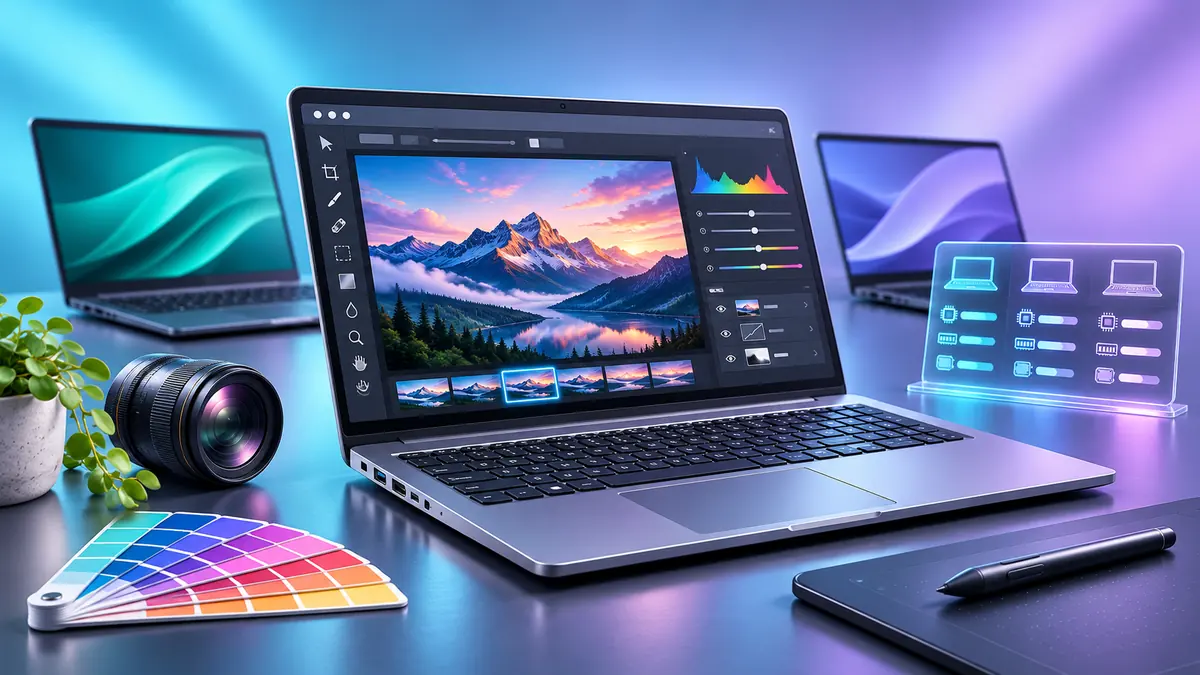
Compare three Photoshop laptop configurations by RAM, display and graphics. Choose between 32GB memory, a dedicated GPU and a larger convertible screen.
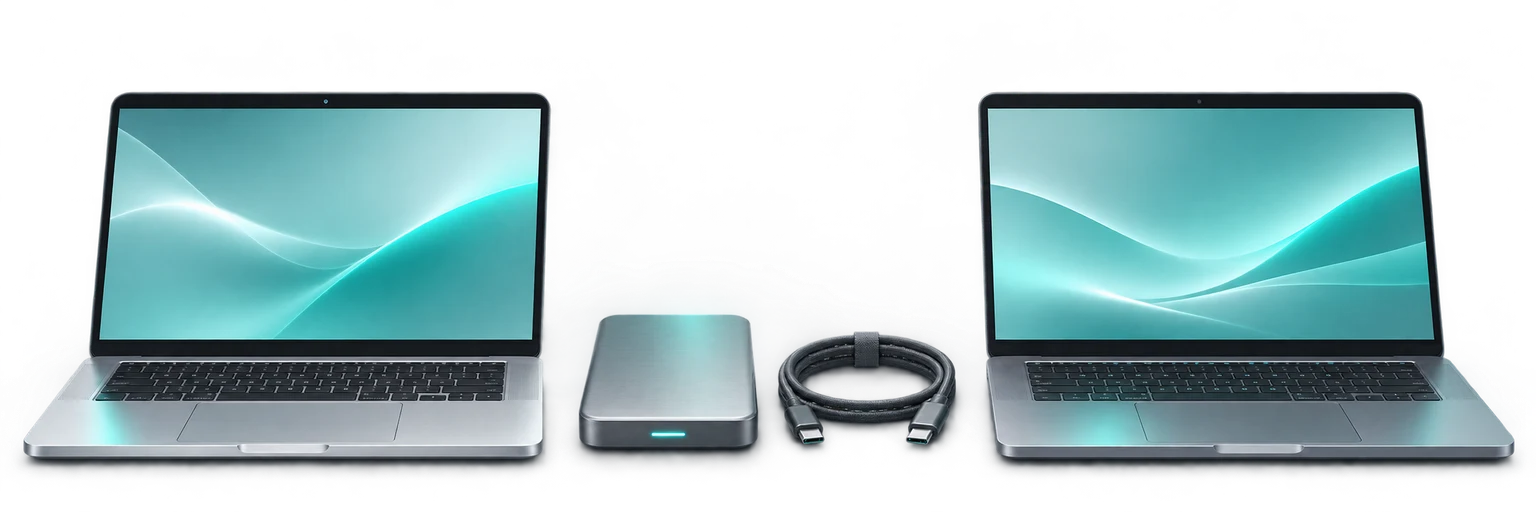
Choose a practical transfer method for your devices, confirm the destination files and keep a backup until the move is complete.
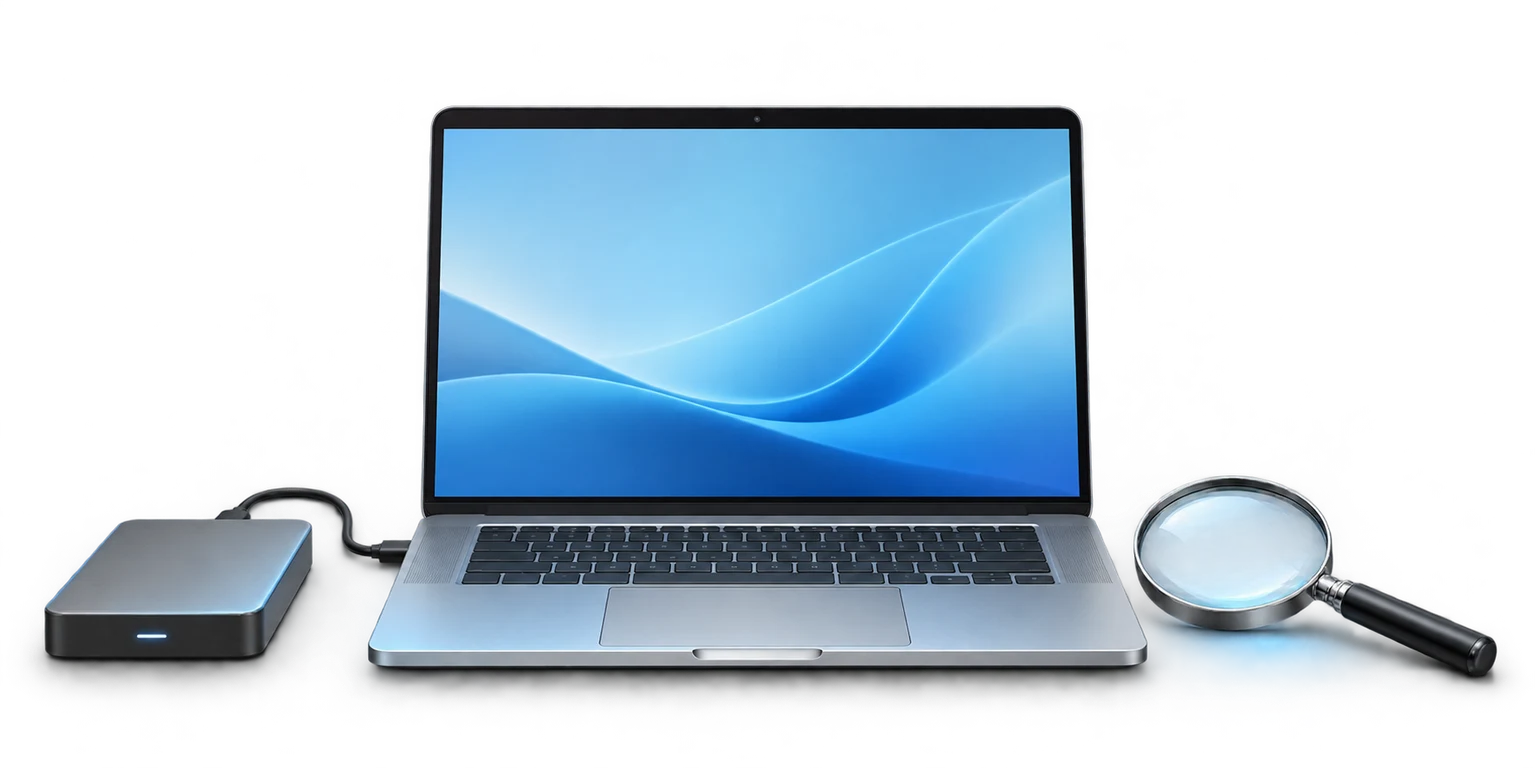
A research-based look at My MX Data and the questions to ask before using a business file-exchange service for real documents.
Try a shorter title, a brand or a task.
Find another route through the research, from practical buying advice to the finer details of a laptop setup.

Find your next daily driver by work, study, screen size and everyday priorities.
View collection
Get answers to the setup, care and buying questions that matter.
View collection
Look beyond the badge and compare actual laptop configurations.
View collectionBrowser campaigns, image editing and moving large creative files place different demands on a laptop. Choose equipment around the actual applications and the bottleneck you need to remove.
The marketing guide focuses on a defined audience, a useful destination page and meaningful business outcomes. It does not promise rankings or invented performance improvements.
Our comparisons are research-based. Check the exact configuration, selected seller and current offer before purchasing. Read about our approach and affiliate links.