Laptops for seniors with comfortable everyday controls More comfortable viewing.
More choice in control.

Compare three Windows laptops by screen size, touch input and memory. Choose around individual preferences, applications and a comfortable desk setup.

Compare 3 configurations
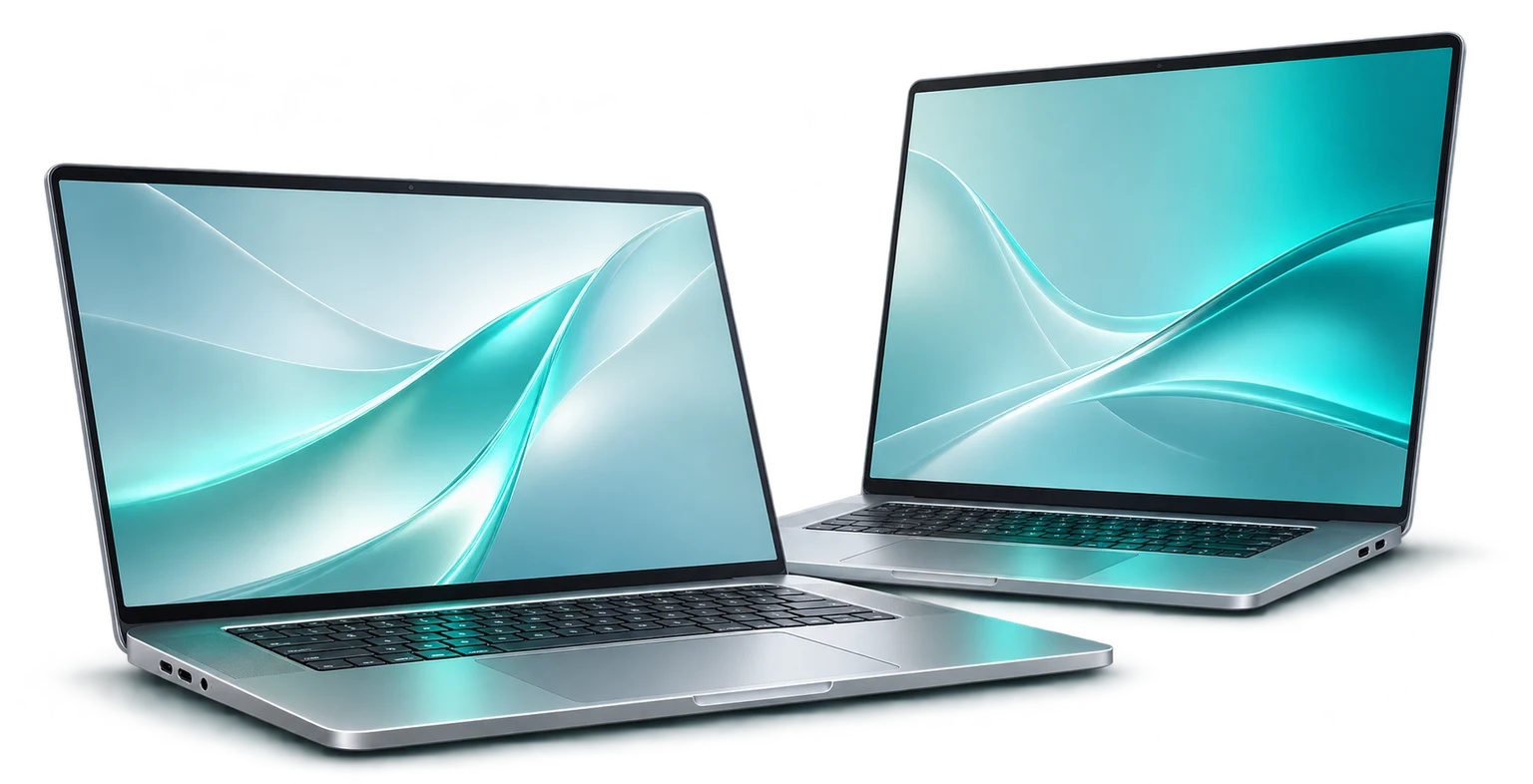
Concept illustration of laptops for seniors with comfortable everyday controls
Individual preferences16 to 17.3-inchTouch optionsComfortable setup
AI-created concept illustration. Product listings below show retailer images.

By Laptop Den editorial · Updated November 15, 2026

Affiliate disclosure: We may earn a commission if you buy through links on this page. Prices are observed item prices in USD, before any applicable tax or delivery charges. Our comparisons are research-based, with no hands-on testing claims.

THE SHORTLIST

Laptops for seniors with comfortable everyday controls

Investigate the IdeaPad for 16GB memory and flexible viewing positions. Choose the HP when a larger non-touch screen matters most, or the Dell for a conventional touchscreen. Try controls and scaling before deciding.

Showing all 3 configurations. Offer information recorded November 4, 2026.

Scores reflect the listed specifications, intended use and recorded offer within this guide. How our scores work.

The details behind your shortlist.

The specifications, trade-offs and reasoning behind each score.

CONFIGURATION 01 / 03

A larger physical screen

HP Essential 17.3

Ryzen 5 7430U / integrated graphics
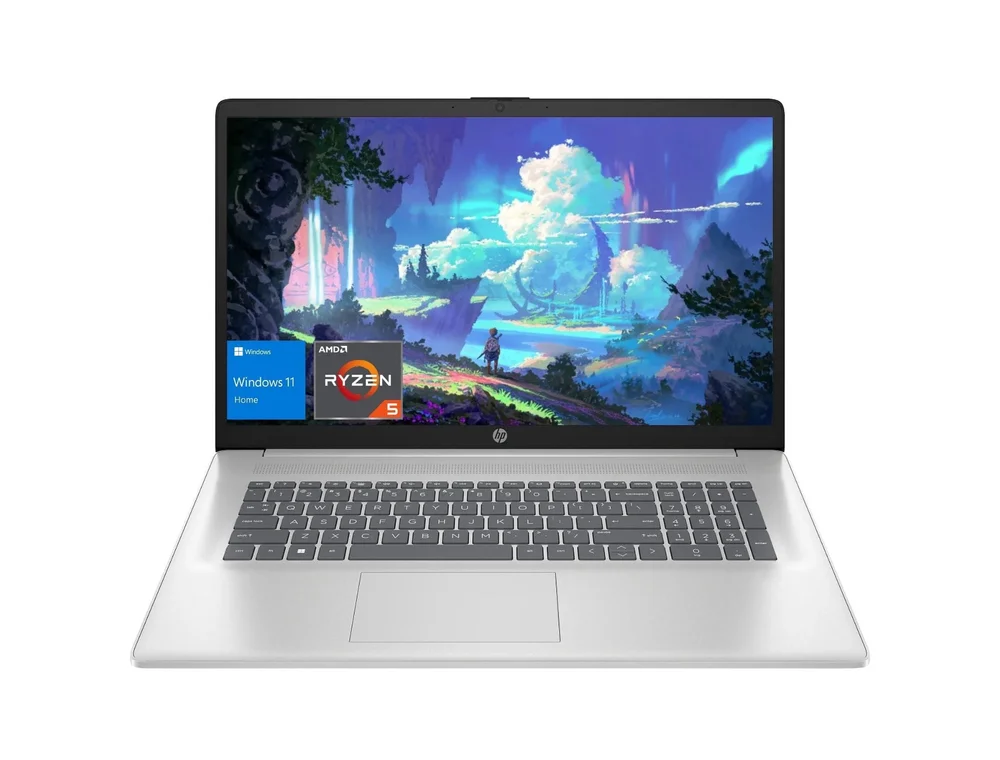
HP Essential 17.3 product image from the linked listing
Our assessmentHow we assess it
7.1/ 10
Editorial scoreBased on listed specificationsNo hands-on testing
Memory
8GB RAM
Storage
256GB SSD
FHD
17.3-inch
Observed price · $548.83
NewPCOnline US · Walmart
View listing at Walmart (opens in a new tab)

A larger physical screen

The HP is the largest-screen option in this group. It is worth comparing for a mostly fixed desk where larger controls and text can be useful after adjusting Windows scaling. The smaller SSD and 8GB memory allocation are the main capacity compromises.

A 17.3-inch panel provides a larger physical canvas than the two 16-inch alternatives.

How we assess this configuration

We give the HP 7.1/10 for offering the largest physical display in this selection at the recorded $548.83. Its appeal depends on a desk setup where that size helps the individual user. The 8GB memory and 256GB SSD provide less room than the alternatives, and screen size alone establishes neither readable settings nor comfort. Keyboard, finish and actual viewing preferences remain essential checks.

This is an editorial assessment of the published specification and offer information recorded November 4, 2026. We have not measured performance, display accuracy, keyboard feel, fan noise or battery life. Confirm the exact model, software support and selected seller's terms before purchasing.

Configuration and purchasing details
Configuration shown
Processor
Ryzen 5 7430U
Graphics
integrated graphics
Memory
8GB RAM
Storage
256GB SSD
Display
17.3-inch FHD
Purchasing details
Listed seller
PCOnline US
Condition
New
Availability & delivery
Check retailer listing
Shipping & tax
Confirm at checkout
Returns & warranty
Check the selected seller's terms

Confirm the selected product, compatibility, seller and final total before ordering.

Offer information recorded Nov 4, 2026: Walmart listing (opens in a new tab). Prices, condition and availability may have changed.
Back to the comparison

CONFIGURATION 02 / 03

A larger touchscreen option

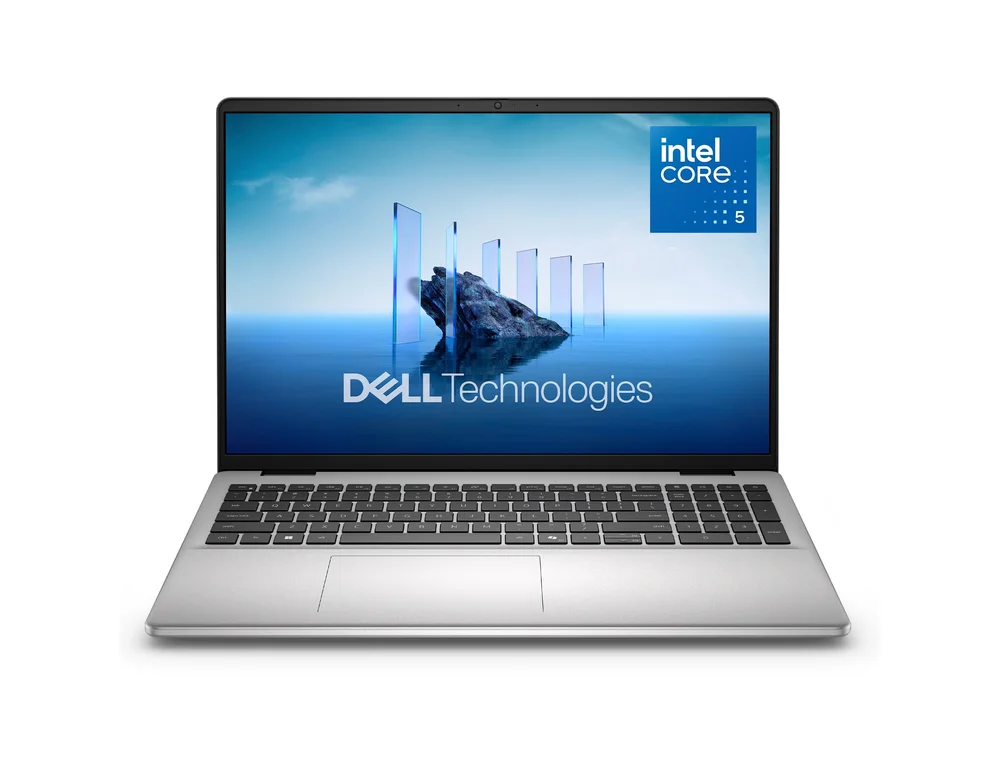
Dell 16 Core 5 touch

Core 5 120U / integrated graphics

Dell 16 Core 5 touch product image from the linked listing
Our assessmentHow we assess it
7.2/ 10
Editorial scoreBased on listed specificationsNo hands-on testing
Memory
8GB RAM
Storage
512GB SSD
FHD+ touch
16-inch
Observed price · $629.00
NewGAMES FOR LESS · Walmart
View listing at Walmart (opens in a new tab)

A larger touchscreen option

The Dell combines a 16-inch touchscreen with the same 8GB memory allocation as the larger HP. Its 512GB SSD is twice the HP capacity. Compare it with the 16GB convertible IdeaPad when deciding whether conventional touch input or extra memory and a folding hinge are more useful.

A backlit keyboard and conventional touchscreen distinguish this offer from the larger non-touch HP.

How we assess this configuration

The Dell receives 7.2/10 for a larger touchscreen, backlit keyboard and 512GB SSD at the recorded $629. Those features create a clear alternative to the bigger non-touch HP without assuming one interaction style suits every user. Its 8GB memory is the capacity compromise, and the nearby 16GB IdeaPad is a strong comparison. The selected Core 5 configuration must also be distinguished from the URL text.

This is an editorial assessment of the published specification and offer information recorded November 4, 2026. We have not measured performance, display accuracy, keyboard feel, fan noise or battery life. Confirm the exact model, software support and selected seller's terms before purchasing.

Configuration and purchasing details
Configuration shown
Processor
Core 5 120U
Graphics
integrated graphics
Memory
8GB RAM
Storage
512GB SSD
Display
16-inch FHD+ touch
Purchasing details
Listed seller
GAMES FOR LESS
Condition
New
Availability & delivery
Check retailer listing
Shipping & tax
Confirm at checkout
Returns & warranty
Check the selected seller's terms

Confirm the selected product, compatibility, seller and final total before ordering.

Offer information recorded Nov 4, 2026: Walmart listing (opens in a new tab). Prices, condition and availability may have changed.

Back to the comparison

CONFIGURATION 03 / 03

More memory and a folding hinge

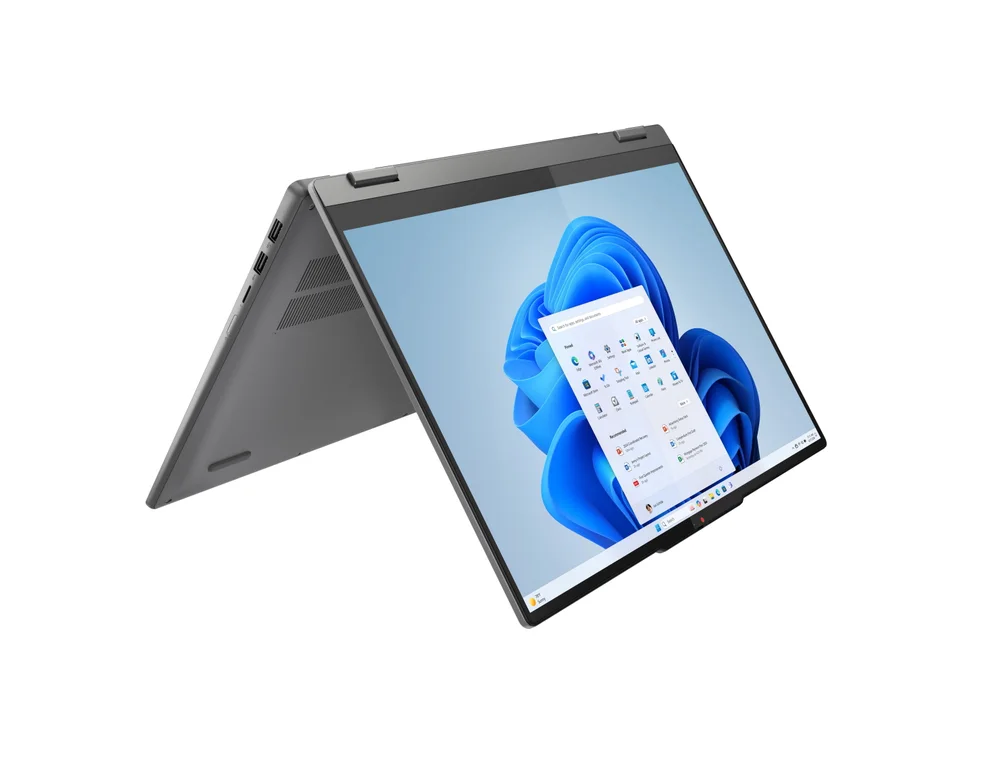
Lenovo IdeaPad 5i 16 2-in-1

Core 5 120U / integrated graphics

Lenovo IdeaPad 5i 16 2-in-1 product image from the linked listing
Our assessmentHow we assess it
8.0/ 10
Editorial scoreBased on listed specificationsNo hands-on testing
Memory
16GB RAM
Storage
512GB SSD
touchscreen
16-inch
Observed price · $689.00
NewAD Tech · Walmart
View listing at Walmart (opens in a new tab)

More memory and a folding hinge

The IdeaPad doubles the memory of the HP and selected Dell. Its folding hinge adds viewing positions, which may be useful for video calls or shared viewing. Try the controls and screen positions rather than assuming that a convertible format suits every person.

16GB gives more room for open applications than the 8GB alternatives.

How we assess this configuration

We score the IdeaPad 8.0/10 for adding 16GB memory and a folding hinge at the recorded $689, a modest increase over the selected Dell. The extra memory gives it a stronger general configuration while retaining 512GB storage. The score rewards flexibility without assuming that tablet mode is comfortable for every person. Weight, hinge operation, pen inclusion and the user’s preferred controls remain individual purchase checks.

This is an editorial assessment of the published specification and offer information recorded November 4, 2026. We have not measured performance, display accuracy, keyboard feel, fan noise or battery life. Confirm the exact model, software support and selected seller's terms before purchasing.

Configuration and purchasing details
Configuration shown
Processor
Core 5 120U
Graphics
integrated graphics
Memory
16GB RAM
Storage
512GB SSD
Display
16-inch touchscreen
Purchasing details
Listed seller
AD Tech
Condition
New
Availability & delivery
Check retailer listing
Shipping & tax
Confirm at checkout
Returns & warranty
Check the selected seller's terms

Confirm the selected product, compatibility, seller and final total before ordering.

Offer information recorded Nov 4, 2026: Walmart listing (opens in a new tab). Prices, condition and availability may have changed.

Back to the comparison

BEFORE YOU BUY

Choose for the person.
Set up the screen.

Age does not define computer ability. Familiar controls, readable text and the required software are better buying criteria.

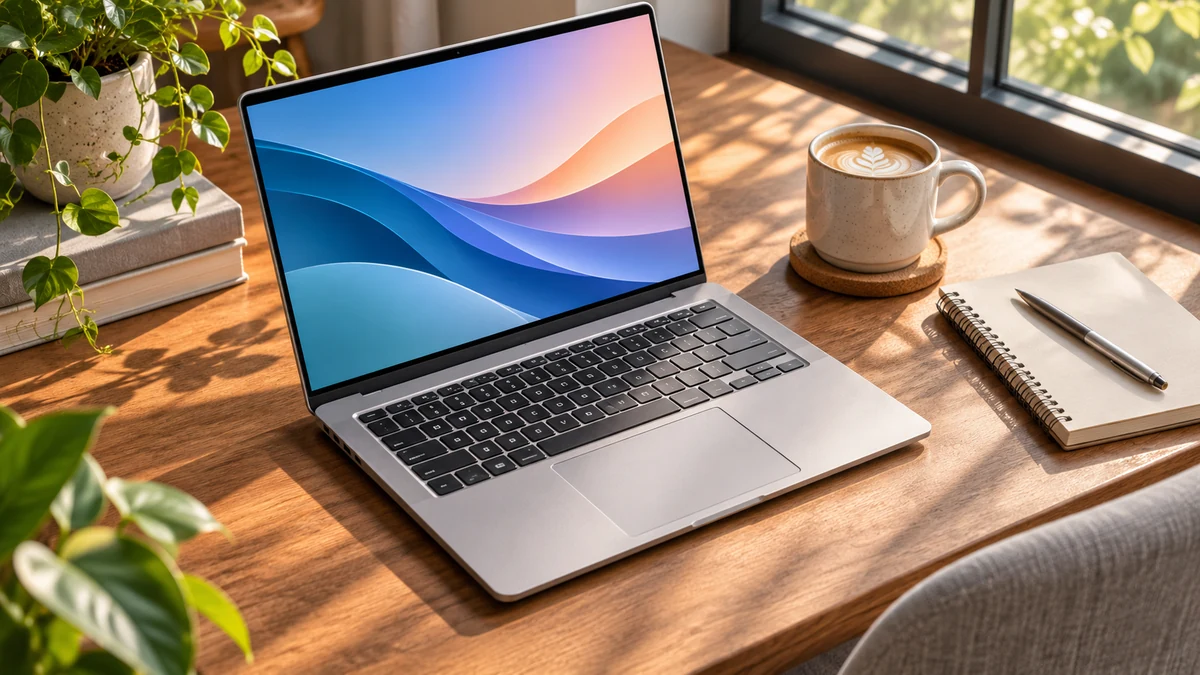
AI-generated editorial image for Laptops for seniors with comfortable everyday controls
AI-generated editorial image. Product appearance and specifications should be checked against the actual listing.

Try text scaling

A large display can help, but small default text can remain uncomfortable. Adjust Windows scaling and application zoom, then check that important controls remain visible. Test at the intended desk distance.

Choose familiar input

Touch may be useful for some tasks, while a mouse and keyboard suit others. Do not assume a touchscreen is easier for everyone. Try the controls and consider a separate mouse when trackpad use is uncomfortable.

Match memory to actual use

The IdeaPad has 16GB while the HP and selected Dell have 8GB. That difference matters for heavier multitasking. The HP also has half the SSD capacity, which may affect a large local photo collection.

Plan the initial setup

Install required applications, set comfortable text sizes and establish a backup routine. For a broader large-screen comparison, see HP 17-inch laptops.

OUR APPROACH

How our scores work

A score for the listed product and the needs covered by this guide.

We consider the processor and graphics, memory, storage, display, condition and recorded price. Each product's assessment explains the reasons for its score and the details still needing confirmation.

Scores in the 8s indicate a strong fit on paper within the shortlist. Scores in the 7s reflect meaningful compromises; lower scores flag narrower use cases, weaker value or substantial uncertainty. Scores depend on the guide's purpose and the selected offer, so the same product may score differently in another comparison.

These are editorial judgments based on published information. We have not performed hands-on testing. Offer information was recorded November 4, 2026; current price, seller, condition and availability must be checked.

COMMON QUESTIONS

The details
worth checking.

Is a 17-inch laptop always easier to use?

A larger panel gives more physical screen area, but comfort depends on scaling, brightness, viewing distance and controls. Try the setup where it will be used. A smaller touchscreen may suit one person better than a larger non-touch display.

Which option has more memory?

The Lenovo IdeaPad 5i lists 16GB, twice the selected HP and Dell configurations. That can help with more applications open at once. It does not make the keyboard or screen automatically more comfortable.

Should I choose touch input?

Choose touch when the intended user finds it useful. Some tasks work better with a mouse or keyboard, and reaching toward a large screen can be tiring. Try the controls instead of assuming one input method is universally easier.

Is the Dell really the Core 5 version?

The selected offer is described as Core 5, 8GB, 512GB and FHD+ touch, although its URL names a different variant. Confirm those exact details in the cart and order summary before purchase.

Is a convertible easier to carry?

A folding hinge adds screen positions but does not establish lower weight. The 16-inch IdeaPad may be awkward to hold in tablet mode for long periods. Check its actual weight and how it will be used.

What setup matters after purchase?

Set readable text sizes, install required applications and configure updates and backups. Agree how support will be provided without sharing passwords casually. A familiar, well-configured computer is often more useful than an unnecessarily complicated specification.

A PLACE TO START

Lenovo IdeaPad 5i 16 2-in-1

8.0/10Balanced memory and flexibility

Investigate the IdeaPad for 16GB memory and flexible viewing positions. Choose the HP when a larger non-touch screen matters most, or the Dell for a conventional touchscreen. Try controls and scaling before deciding.

Review the configuration
Lenovo IdeaPad 5i 16 2-in-1