Laptops for teachers with 16GB RAM Ready for the lesson.
Useful after the bell.

Compare three teaching laptops with 16GB RAM and 512GB SSDs. Weigh a convertible hinge, a lower price and a smaller screen against school requirements.

Compare 3 configurations
Concept illustration: Silver laptop with a stack of notebooks
16GB RAM512GB SSDsSchool app checksTouch displays
AI-created concept illustration. Product listings below show retailer images.

By Laptop Den editorial · Updated November 15, 2026

Affiliate disclosure: We may earn a commission if you buy through links on this page. Prices are observed item prices in USD, before any applicable tax or delivery charges. Our comparisons are research-based, with no hands-on testing claims.

THE SHORTLIST

Laptops for teachers with 16GB RAM

Start with the ASUS for everyday preparation and classroom work after school approval. The Lenovo's hinge and the Acer's smaller format are worthwhile reasons to spend differently only when they suit your actual routine.

Showing all 3 configurations. Offer information recorded November 4, 2026.

Scores reflect the listed specifications, intended use and recorded offer within this guide. How our scores work.

The details behind your shortlist.

The specifications, trade-offs and reasoning behind each score.

CONFIGURATION 01 / 03

For lessons and handwritten annotation

Lenovo IdeaPad 5i 2-in-1 15

Core Ultra 5 322
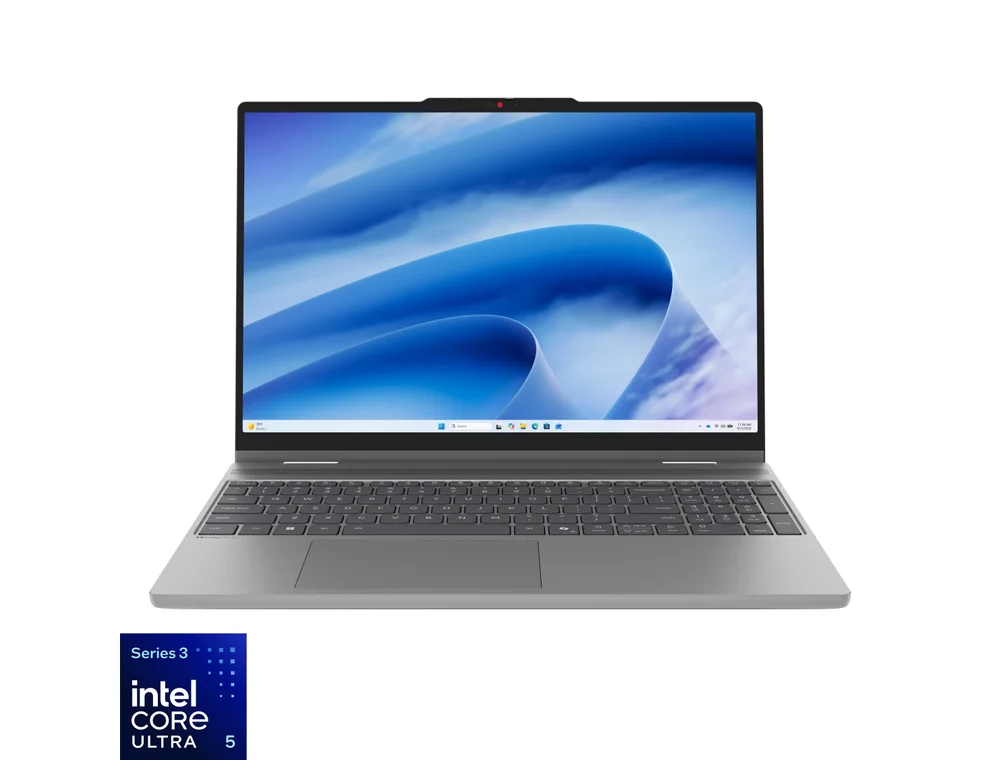
Lenovo IdeaPad 5i 2-in-1 15 product image from the linked listing
Our assessmentHow we assess it
7.9/ 10
Editorial scoreBased on listed specificationsNo hands-on testing
Memory
16GB RAM
Storage
512GB SSD
WUXGA convertible
15.3-inch touch
Observed price · $729.00
NewWalmart.com · Walmart
View listing at Walmart (opens in a new tab)

For lessons and handwritten annotation

The IdeaPad's convertible hinge is the reason to consider it for teaching. Tent mode can suit a shared demonstration, while a compatible pen may be useful for annotation. Its 16GB of memory and 512GB SSD also cover the basic specification checks for a mixed browser-and-document workload.

The 1920 x 1200 display provides a taller working area than a conventional FHD panel at the same width.

How we assess this configuration

We score the IdeaPad 7.9/10 for combining a convertible hinge with 16GB memory and a 1920 × 1200 display at an observed $729. The extra cost over the ASUS is most defensible when flexible positioning or compatible pen input supports actual lessons. It does not buy more RAM or SSD capacity here. School enrollment requirements, pen inclusion and classroom display connections still need confirmation before choosing this configuration.

This is an editorial assessment of the published specification and offer information recorded November 4, 2026. We have not measured performance, display accuracy, keyboard feel, fan noise or battery life. Confirm the exact model, software support and selected seller's terms before purchasing.

Configuration and purchasing details
Configuration shown
Processor / graphics
Core Ultra 5 322
Memory
16GB RAM
Storage
512GB SSD
Display
15.3-inch WUXGA touch
Condition
New
Purchasing details
Listed seller
Walmart.com
Condition
New
Availability & delivery
Check retailer listing
Shipping & tax
Confirm at checkout
Returns & warranty
Check the selected seller's terms

Confirm the selected product, compatibility, seller and final total before ordering.

Offer information recorded Nov 4, 2026: Walmart listing (opens in a new tab). Prices, condition and availability may have changed.
Back to the comparison

CONFIGURATION 02 / 03

Our everyday teaching starting point

ASUS Vivobook 15

Core 5 120U

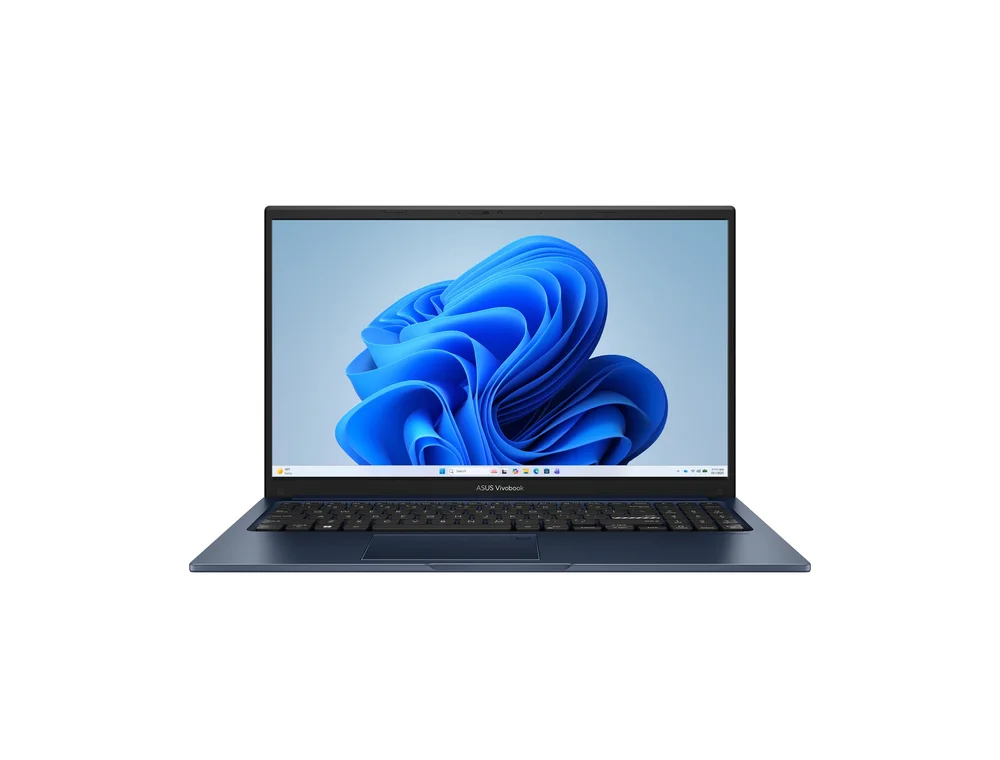
ASUS Vivobook 15 product image from the linked listing
Our assessmentHow we assess it
8.3/ 10
Editorial scoreBased on listed specificationsNo hands-on testing
Memory
16GB RAM
Storage
512GB SSD
Touchscreen; standard hinge
15.6-inch FHD
Observed price · $599.00
NewWalmart.com · Walmart
View listing at Walmart (opens in a new tab)

Our everyday teaching starting point

The Vivobook is the lowest-priced of these three offers while matching their memory and storage capacities. It is the natural starting point for lesson preparation, browser-based classroom systems and document work. Touch input is included, but this is not a 360-degree convertible.

16GB of RAM at $599 makes it worth comparing before paying for a hinge or AI feature your teaching does not require.

How we assess this configuration

The Vivobook earns 8.3/10 as this teaching shortlist's most straightforward value comparison. Its observed $599 price includes 16GB RAM and a 512GB SSD, matching the two costlier options for capacity. That supports its lead for ordinary lesson preparation and document work. We reserve a stronger endorsement until school software, management requirements and connections are checked, and do not treat the touchscreen as a guarantee of active-pen or convertible functionality.

This is an editorial assessment of the published specification and offer information recorded November 4, 2026. We have not measured performance, display accuracy, keyboard feel, fan noise or battery life. Confirm the exact model, software support and selected seller's terms before purchasing.

Configuration and purchasing details
Configuration shown
Processor / graphics
Core 5 120U
Memory
16GB RAM
Storage
512GB SSD
Display
15.6-inch FHD touch
Condition
New
Purchasing details
Listed seller
Walmart.com
Condition
New
Availability & delivery
Check retailer listing
Shipping & tax
Confirm at checkout
Returns & warranty
Check the selected seller's terms

Confirm the selected product, compatibility, seller and final total before ordering.

Offer information recorded Nov 4, 2026: Walmart listing (opens in a new tab). Prices, condition and availability may have changed.

Back to the comparison

CONFIGURATION 03 / 03

A smaller-screen alternative

Acer Aspire 14 AI A14-52MT-53EH

Core Ultra 5 226V

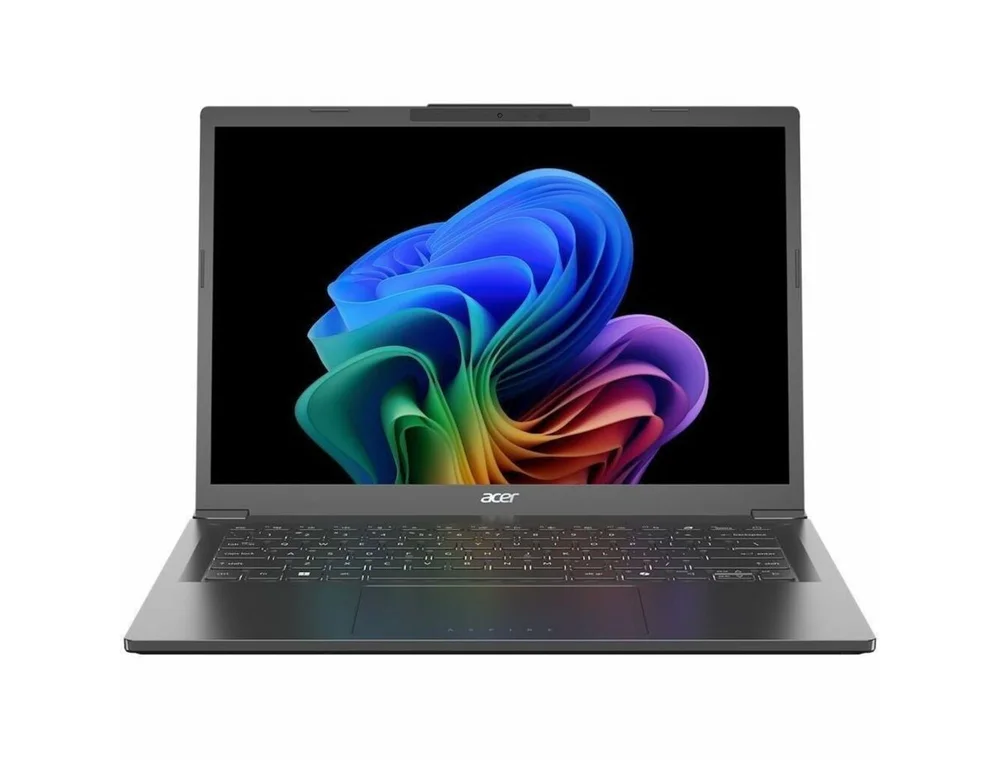
Acer Aspire 14 AI A14-52MT-53EH product image from the linked listing
Our assessmentHow we assess it
7.8/ 10
Editorial scoreBased on listed specificationsNo hands-on testing
Memory
16GB RAM
Storage
512GB SSD
WUXGA touch; 180° hinge
14-inch IPS
Observed price · $624.49
NewGeeks and Express · Walmart
View listing at Walmart (opens in a new tab)

A smaller-screen alternative

The Acer gives teachers a smaller 14-inch option without reducing the listed RAM or SSD capacity. Its WUXGA touchscreen is useful for a compact working setup. Check the physical keyboard closely because this selected offer specifies a US International layout.

The smaller screen format can be useful for moving between rooms, subject to checking the laptop and charger weights.

How we assess this configuration

The Aspire receives 7.8/10 for offering a smaller 14-inch display with 16GB RAM and a 512GB SSD at an observed $624.49. That is a modest premium over the ASUS for a different screen format. Its marketplace offer requires attention to the US International keyboard and warranty region, while the 180-degree hinge is not a tablet arrangement. We have not measured carrying comfort, battery endurance or classroom compatibility.

This is an editorial assessment of the published specification and offer information recorded November 4, 2026. We have not measured performance, display accuracy, keyboard feel, fan noise or battery life. Confirm the exact model, software support and selected seller's terms before purchasing.

Configuration and purchasing details
Configuration shown
Processor / graphics
Core Ultra 5 226V
Memory
16GB RAM
Storage
512GB SSD
Display
14-inch WUXGA IPS touch
Condition
New
Purchasing details
Listed seller
Geeks and Express
Condition
New
Availability & delivery
Check retailer listing
Shipping & tax
Confirm at checkout
Returns & warranty
Check the selected seller's terms

Confirm the selected product, compatibility, seller and final total before ordering.

Offer information recorded Nov 4, 2026: Walmart listing (opens in a new tab). Prices, condition and availability may have changed.

Back to the comparison

BEFORE YOU BUY

Start with school needs.
Then choose the laptop.

The right classroom purchase begins with your school's software, security and connection requirements.

AI-generated editorial image for Laptops for teachers with 16GB RAM
AI-generated editorial image. Product appearance and specifications should be checked against the actual listing.

Ask your school before buying

Confirm whether personal devices are allowed and whether device management, a particular Windows edition or approved software is required. Browser access to a classroom platform does not prove compatibility with every assessment tool or school-installed application.

Check the classroom connection

Write down the projector, display and wired-network connections you use. Verify port capabilities and adapter requirements for the exact laptop. A USB-C connector can have different functions, so do not assume it supports video output or charging.

Buy the hinge only if it helps

The IdeaPad's convertible format may be useful for annotation or a shared presentation. The ASUS provides touch without a folding tablet arrangement. The Acer's 180-degree opening is also different from a 360-degree hinge. Compare the convertible guide if pen use is central.

Plan the whole daily carry

Include the charger, adapters and papers when judging portability. Check keyboard layout on the Acer offer and consider a properly fitted laptop case for larger models. Keep school information stored according to your organization's rules.

OUR APPROACH

How our scores work

A score for the listed product and the needs covered by this guide.

We consider the processor and graphics, memory, storage, display, condition and recorded price. Each product's assessment explains the reasons for its score and the details still needing confirmation.

Scores in the 8s indicate a strong fit on paper within the shortlist. Scores in the 7s reflect meaningful compromises; lower scores flag narrower use cases, weaker value or substantial uncertainty. Scores depend on the guide's purpose and the selected offer, so the same product may score differently in another comparison.

These are editorial judgments based on published information. We have not performed hands-on testing. Offer information was recorded November 4, 2026; current price, seller, condition and availability must be checked.

COMMON QUESTIONS

The details
worth checking.

Which laptop is the best starting point for teachers here?

The $599 ASUS is our everyday starting point because it matches the others' 16GB RAM and 512GB storage at a lower price. Choose the IdeaPad for a specific convertible requirement or the Acer for a smaller screen after the school compatibility check.

Do teachers need a dedicated graphics card?

Ordinary documents, browser-based classroom tools and presentations do not automatically require one. Specialist media, design or technical subjects may have different requirements. Ask your school or software provider before paying for graphics hardware that your teaching does not use.

Can I use these with an interactive whiteboard?

Check the whiteboard's software, drivers and connection requirements against the exact laptop. You may need a particular cable or adapter. A touchscreen on the laptop does not by itself establish compatibility with a classroom display system.

Which model is suitable for pen annotation?

Investigate the convertible IdeaPad first, then confirm compatible active pens and the supplied bundle. Do not assume the ASUS or Acer supports the pen experience you need merely because each has touch input. Test the intended annotation application where possible.

Is 512GB enough for lesson materials?

It can be a practical starting capacity for documents and presentations, but video files and offline resources use more space. Follow your school's storage and backup policies. The same capacity across these three offers does not remove the need for secure backups.

What is different about the Acer keyboard?

The selected Acer offer specifies a US International keyboard layout. Confirm photographs and the exact supplied layout if key placement matters to your typing. Also verify warranty region and seller terms rather than assuming it matches every local retail configuration.

A PLACE TO START

ASUS Vivobook 15

8.3/10Our everyday teaching balance

Start with the ASUS for everyday preparation and classroom work after school approval. The Lenovo's hinge and the Acer's smaller format are worthwhile reasons to spend differently only when they suit your actual routine.

Review the configuration
ASUS Vivobook 15