Dell and Alienware gaming laptops compared Choose your display.
Know the generation.

Compare a pre-owned Dell G7 with two Alienware configurations. Check display resolution, graphics and condition rather than choosing by brand alone.

Compare 3 configurations
Concept illustration of dell and alienware gaming laptops compared
Dell and AlienwareUsed offer identifiedDisplay trade-offs512GB SSDs
AI-created concept illustration. Product listings below show retailer images.

By Laptop Den editorial · Updated November 15, 2026

Affiliate disclosure: We may earn a commission if you buy through links on this page. Prices are observed item prices in USD, before any applicable tax or delivery charges. Our comparisons are research-based, with no hands-on testing claims.

THE SHORTLIST

Dell and Alienware gaming laptops compared

Start with the Aurora for its higher-resolution panel or the Alienware 15.3 for a lower observed price and 165Hz screen. Consider the pre-owned G7 only after condition, processor and battery checks justify the saving.

Showing all 3 configurations. Offer information recorded November 4, 2026.

Scores reflect the listed specifications, intended use and recorded offer within this guide. How our scores work.

The details behind your shortlist.

The specifications, trade-offs and reasoning behind each score.

CONFIGURATION 01 / 03

Pre-owned gaming alternative

Dell G7 7790

Core i7-8750H as listed / RTX 2070 Max-Q 8GB
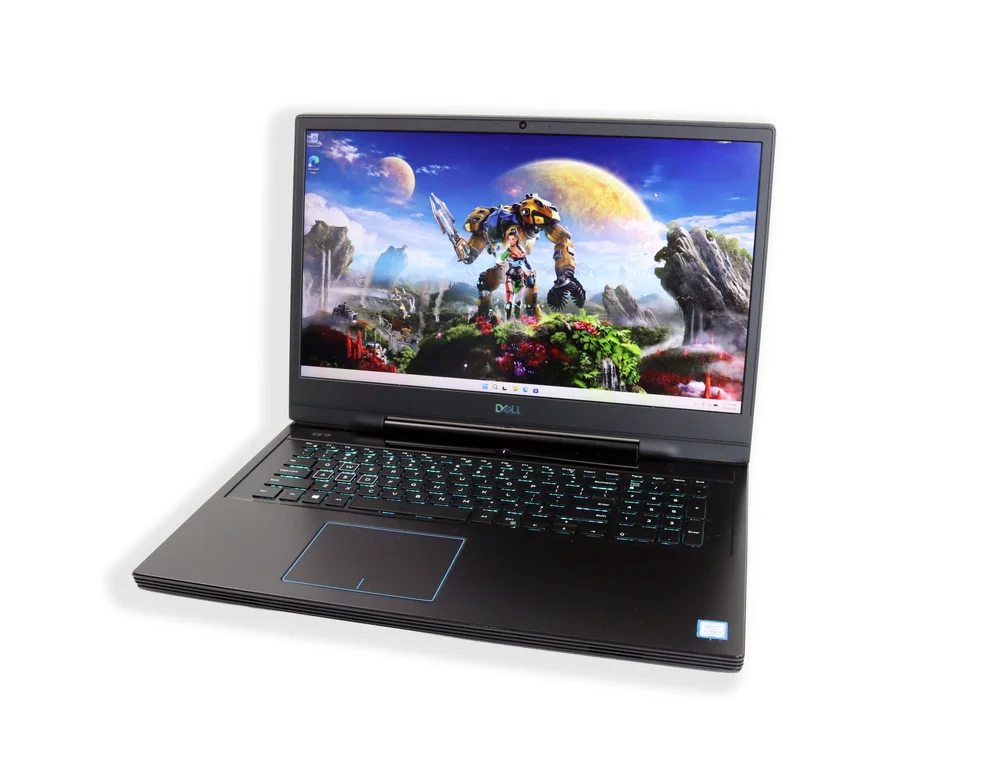
Dell G7 7790 product image from the linked listing
Our assessmentHow we assess it
6.3/ 10
Listing scoreBased on listed specificationsNo hands-on testing
Memory
24GB RAM
Storage
512GB SSD
Verify service-tag details
Pre-owned: Good
Observed price · $795.00
Pre-Owned: GoodNaoshi Digital LLC · Walmart
View listing at Walmart (opens in a new tab)

Pre-owned gaming alternative

The G7 is the least expensive offer in this Dell group and the only pre-owned machine. It lists more RAM than the two Alienware configurations, but its older hardware and uncertain battery condition are important trade-offs. Request the exact service-tag specification before treating the saving as worthwhile.

A dedicated GeForce GPU distinguishes it from a typical inexpensive office laptop.

How we assess this listing

The recorded $795 gives the G7 a price advantage and 24GB RAM, compared with 16GB in both new Alienware offers. The trade is an older pre-owned laptop with several unit-specific questions. We score the listing cautiously until its service-tag configuration, installed CPU and battery condition are confirmed. Dedicated graphics alone cannot establish that the saving offsets age, wear or the suitability of the supplied charger.

This is an editorial assessment of the published specification and offer information recorded November 4, 2026. Missing prices, availability or configuration details limit the assessment; confirm the exact purchasable item before using this score to make a decision. We have not tested this product.

Configuration and purchasing details
Configuration shown
Processor
Core i7-8750H as listed
Graphics / platform
RTX 2070 Max-Q 8GB
Memory
24GB RAM
Storage
512GB SSD
Display
17.3-inch display, confirm panel
Listed condition
Pre-Owned: Good
Purchasing details
Listed seller
Naoshi Digital LLC
Condition
Pre-Owned: Good
Availability & delivery
Check retailer listing
Shipping & tax
Confirm at checkout
Returns & warranty
Check the selected seller's terms

Confirm the selected product, compatibility, seller and final total before ordering.

Offer information recorded Nov 4, 2026: Walmart listing (opens in a new tab). Prices, condition and availability may have changed.

Back to the comparison

CONFIGURATION 02 / 03

Higher-resolution new configuration

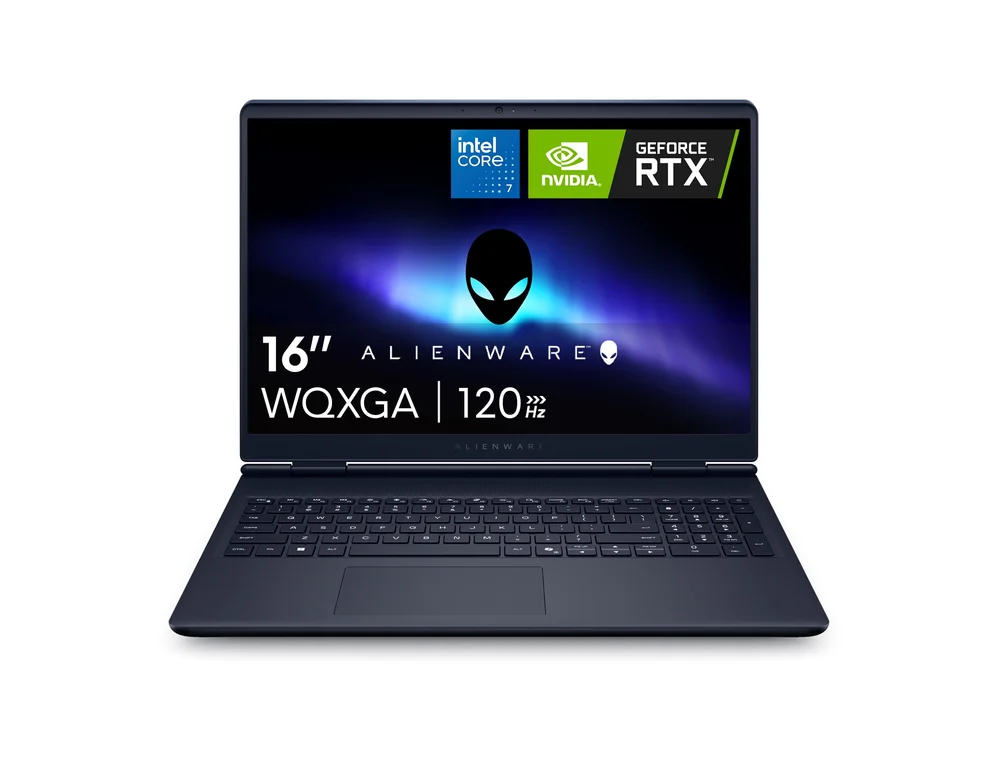
Alienware Aurora 16 AC16250

Core 7 240H / RTX 5050

Alienware Aurora 16 AC16250 product image from the linked listing
Our assessmentHow we assess it
8.1/ 10
Editorial scoreBased on listed specificationsNo hands-on testing
Memory
16GB RAM
Storage
512GB SSD
Listed WQXGA display
16-inch · 120Hz
Observed price · $1,099.00
NewWalmart.com · Walmart
View listing at Walmart (opens in a new tab)

Higher-resolution new configuration

The Aurora is the highest-priced offer in this three-model comparison. It provides a higher-resolution 2560 x 1600 panel while retaining the same 16GB and 512GB capacities as the cheaper Alienware 15.3. Decide whether the display and exact RTX 5050 configuration justify the additional cost.

The taller high-resolution panel offers useful desktop space beyond gaming.

How we assess this configuration

The recorded $1,099 buys the highest-resolution screen in this Dell-family group and a specified RTX 5050 configuration. It costs $154.10 more than the new Alienware 15 while matching its RAM and SSD capacities. We score it highest for buyers who value the 2560 × 1600 workspace, with exact-game performance still needed to judge the GPU difference. The 512GB SSD remains a limitation for larger installed libraries.

This is an editorial assessment of the published specification and offer information recorded November 4, 2026. We have not measured performance, display accuracy, keyboard feel, fan noise or battery life. Confirm the exact model, software support and selected seller's terms before purchasing.

Configuration and purchasing details
Configuration shown
Processor
Core 7 240H
Graphics / platform
RTX 5050
Memory
16GB RAM
Storage
512GB SSD
Display
16-inch WQXGA 120Hz
Purchasing details
Listed seller
Walmart.com
Condition
New
Availability & delivery
Check retailer listing
Shipping & tax
Confirm at checkout
Returns & warranty
Check the selected seller's terms

Confirm the selected product, compatibility, seller and final total before ordering.

Offer information recorded Nov 4, 2026: Walmart listing (opens in a new tab). Prices, condition and availability may have changed.

Back to the comparison

CONFIGURATION 03 / 03

A taller gaming display

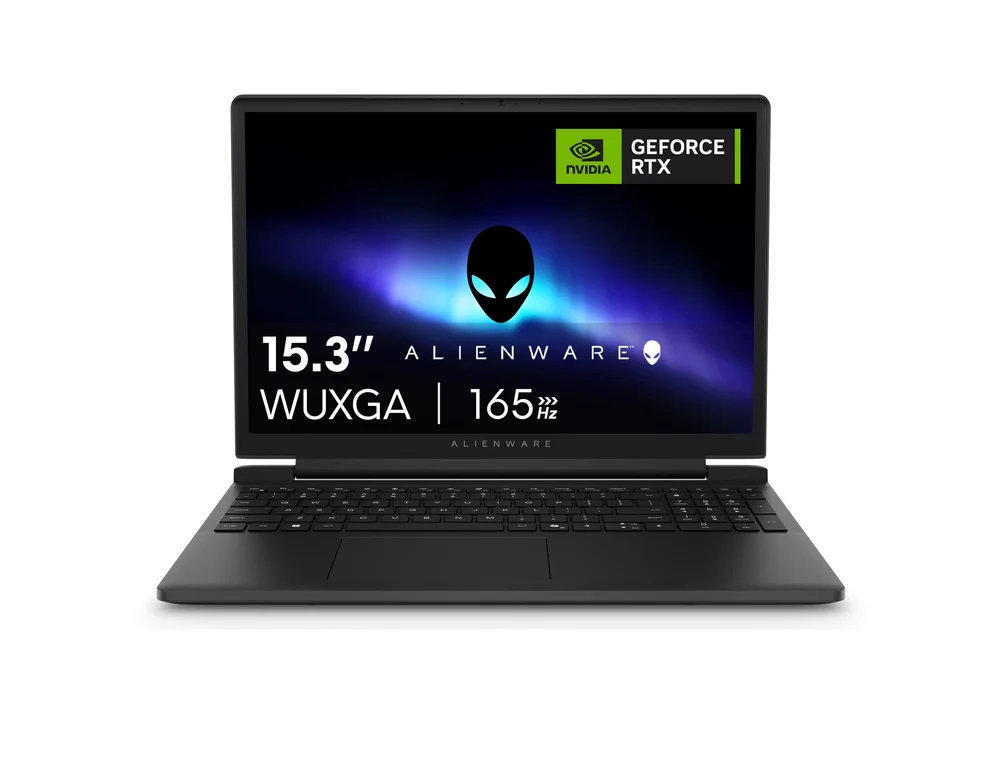
Alienware 15 DA15265

Ryzen 5 220 / RTX 4050

Alienware 15 DA15265 product image from the linked listing
Our assessmentHow we assess it
8.0/ 10
Editorial scoreBased on listed specificationsNo hands-on testing
Memory
16GB RAM
Storage
512GB SSD
Listed WUXGA display
15.3-inch · 165Hz
Observed price · $944.90
NewGAMES FOR LESS · Walmart
View listing at Walmart (opens in a new tab)

A taller gaming display

The Alienware 15.3 is the lower-priced new configuration here. It shares the Aurora memory and storage capacities but uses RTX 4050 graphics and a 1920 x 1200 165Hz display. Compare exact-model game results and screen preferences before paying more for the Aurora.

The 16:10 screen provides more vertical pixels than a 1920 x 1080 panel.

How we assess this configuration

At the recorded $944.90, the Alienware 15 is the less expensive new option, retaining the Aurora's 16GB RAM and 512GB SSD capacities. Its 1920 × 1200 165Hz panel creates a different display balance from the Aurora's higher resolution. We keep its score close because the lower purchase price may matter more than extra pixels. Exact-model gaming evidence is still needed before choosing between the two GPU implementations.

This is an editorial assessment of the published specification and offer information recorded November 4, 2026. We have not measured performance, display accuracy, keyboard feel, fan noise or battery life. Confirm the exact model, software support and selected seller's terms before purchasing.

Configuration and purchasing details
Configuration shown
Processor
Ryzen 5 220
Graphics / platform
RTX 4050
Memory
16GB RAM
Storage
512GB SSD
Display
15.3-inch WUXGA 165Hz
Purchasing details
Listed seller
GAMES FOR LESS
Condition
New
Availability & delivery
Check retailer listing
Shipping & tax
Confirm at checkout
Returns & warranty
Check the selected seller's terms

Confirm the selected product, compatibility, seller and final total before ordering.

Offer information recorded Nov 4, 2026: Walmart listing (opens in a new tab). Prices, condition and availability may have changed.

Back to the comparison

BEFORE YOU BUY

Compare the whole offer.
Include the condition.

A used large-screen G7 and newer Alienware laptops are different purchasing decisions.

AI-generated editorial image for Dell and Alienware gaming laptops compared
AI-generated editorial image. Product appearance and specifications should be checked against the actual listing.

Account for the used G7

The G7 lists 24GB RAM, but capacity does not erase age or wear. Ask for the service-tag specification, battery report and charger. Verify the processor because seller wording varies.

Compare the two display targets

The Aurora lists WQXGA 120Hz while the smaller Alienware lists WUXGA 165Hz. One offers more pixels, the other a higher refresh ceiling. Decide which matches your games and desktop use.

Check GPU evidence

The RTX 2070 Max-Q, RTX 5050 and RTX 4050 belong to different configurations. Names alone cannot establish exact frame rates. Use laptop-specific evidence at comparable settings.

Keep the price context

Compare our gaming shortlist under $1,000 before paying a brand premium. The preferred logo should not obscure memory, storage or condition compromises.

OUR APPROACH

How our scores work

A score for the listed product and the needs covered by this guide.

We consider the processor and graphics, memory, storage, display, condition and recorded price. Each product's assessment explains the reasons for its score and the details still needing confirmation.

Scores in the 8s indicate a strong fit on paper within the shortlist. Scores in the 7s reflect meaningful compromises; lower scores flag narrower use cases, weaker value or substantial uncertainty. Scores depend on the guide's purpose and the selected offer, so the same product may score differently in another comparison.

These are editorial judgments based on published information. We have not performed hands-on testing. Offer information was recorded November 4, 2026; current price, seller, condition and availability must be checked.

COMMON QUESTIONS

The details
worth checking.

Is Alienware part of this Dell comparison?

Yes. The guide compares the Dell G7 with two Alienware offers. They differ in generation, screen and condition, so the brand relationship does not make them equivalent. Check the exact selected configuration for each.

Which configuration is the starting point?

Investigate the Aurora for its 2560 x 1600 display and RTX 5050 configuration, then compare the lower-priced Alienware 15.3. Both list 16GB RAM and 512GB storage. Choose around display and verified gaming requirements.

Is the used G7 better because it has 24GB RAM?

Not automatically. More memory does not remove battery wear, older hardware or condition uncertainty. Check the actual unit and game requirements. The newer alternatives have less listed RAM but different processors, GPUs and screens.

Why should I check the G7 processor?

The seller description and model references need matching to the actual unit. Ask for its service-tag configuration or system-information evidence. Do not assume another G7 generation review describes the processor and graphics you will receive.

Is 120Hz worse than 165Hz?

The lower refresh ceiling is one difference, but resolution and actual frame rates also matter. The Aurora has more pixels. Compare the screen characteristics you value and the performance each configuration can deliver at your intended settings.

Do all three include the same warranty?

No common warranty should be assumed across new and pre-owned marketplace offers. Check the selected seller, return window, charger and manufacturer coverage. For the used G7, verify the actual unit and any remaining service entitlement.

A PLACE TO START

Alienware Aurora 16 AC16250

8.1/10Balanced new Dell-family choice

Start with the Aurora for its higher-resolution panel or the Alienware 15.3 for a lower observed price and 165Hz screen. Consider the pre-owned G7 only after condition, processor and battery checks justify the saving.

Review the configuration
Alienware Aurora 16 AC16250