USB-C docking stations for compatible ASUS laptops Connect your desk.
Check the connection.

Compare three third-party USB-C docks for ASUS laptops by display outputs, charging and ports. Verify your laptop supports the functions you need.

Compare 3 docks
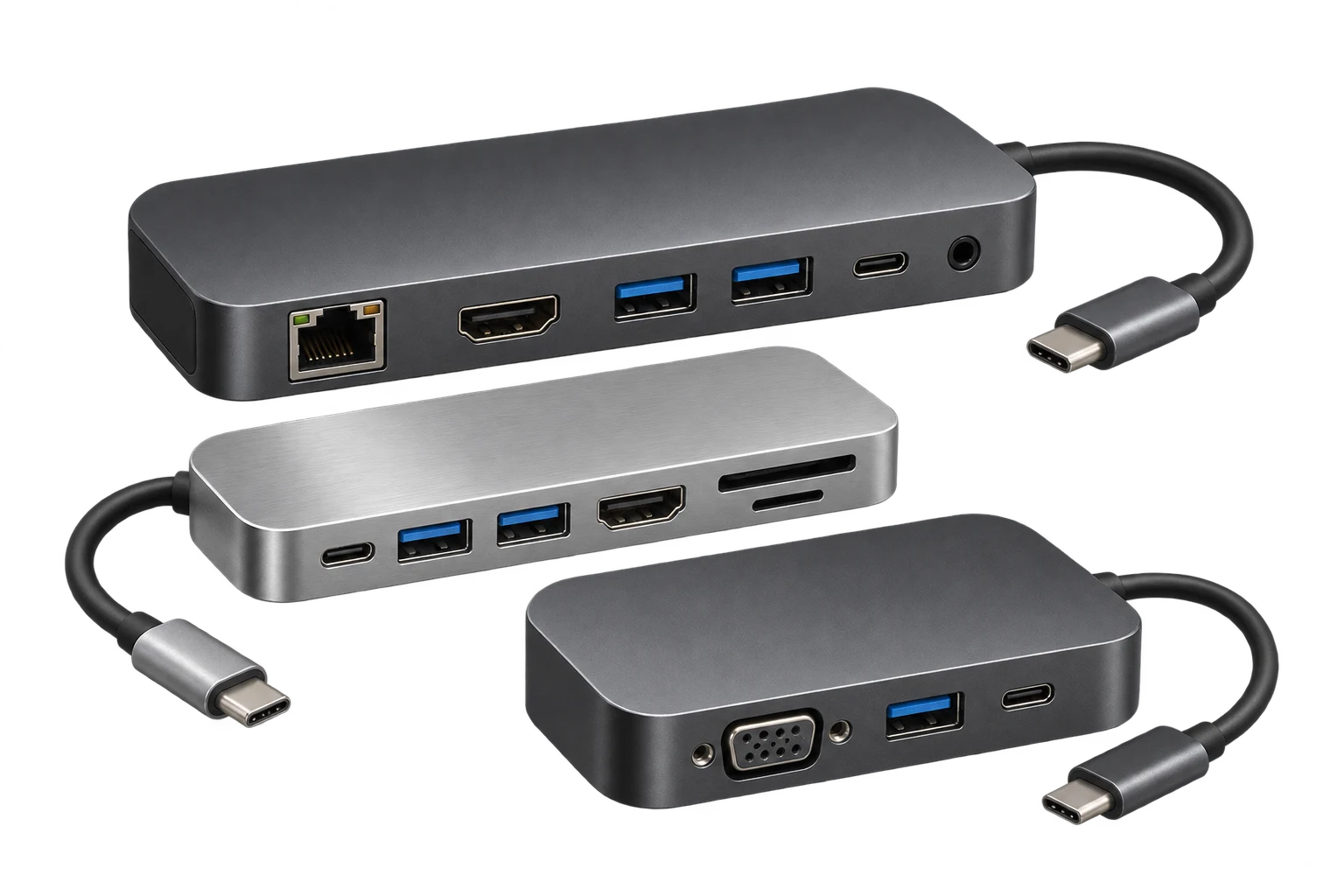
Three compact USB-C hubs with visible video and data ports
Third-party docksUSB-C checksDisplay support variesCharging matters
AI-created concept illustration. Product listings below show retailer images.

By Laptop Den editorial · Updated November 15, 2026

Affiliate disclosure: We may earn a commission if you buy through links on this page. Prices are observed item prices in USD, before any applicable tax or delivery charges. Our comparisons are research-based, with no hands-on testing claims.

THE SHORTLIST

USB-C docking stations for compatible ASUS laptops

The Anker is our desk-dock starting point because its listed host charging and video outputs are clear. The smaller WAVLINK may be sufficient for one display. Confirm the ASUS port and exact dock documentation before either purchase.

Showing all 3 docks. Offer information recorded November 4, 2026.

Scores reflect the listed specifications, intended use and recorded offer within this guide. How our scores work.

The details behind your shortlist.

The specifications, trade-offs and reasoning behind each score.

OPTION 01 / 03

A compact option for one display

WAVLINK 6-in-1 USB-C dock

USB-C host / HDMI output
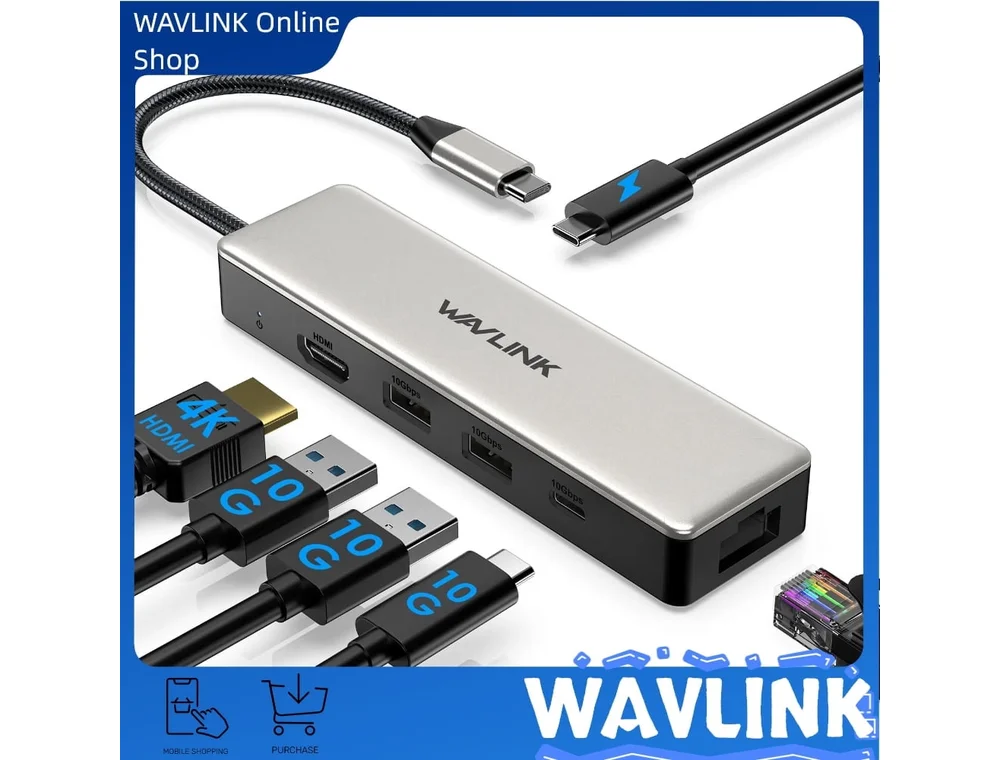
WAVLINK 6-in-1 USB-C dock product image from the linked listing
Our assessmentHow we assess it
7.2/ 10
Editorial scoreBased on listed specificationsNo hands-on testing
Host connection
USB-C
Listed video output
HDMI
Confirm exact port list
6 functions
Observed price · $39.99
NewWAVLINK Online Shop · Walmart
View listing at Walmart (opens in a new tab)

A compact option for one display

This WAVLINK is the lower-cost option when you need a small set of connections rather than a permanent multi-monitor dock. A compatible ASUS USB-C port is essential for video. The shared connector shape does not establish DisplayPort output or charging support.

The HDMI connection provides a straightforward route to one compatible monitor after the host-port check.

How we assess this configuration

This WAVLINK earns 7.2/10 for a focused, lower-cost role: adding a small connection set and one HDMI display at the recorded $39.99. Its usefulness depends first on the ASUS laptop’s actual USB-C video capability. Unspecified charging input, HDMI limits and the complete port inventory reduce confidence, so the score rewards a simple potential fit rather than assuming capabilities from the six-in-one label.

This is an editorial assessment of the published specification and offer information recorded November 4, 2026. We have not tested charging, display output or stability. Verify the host laptop, operating system, ports and power supply against the exact dock before buying.

Configuration and purchasing details
Configuration shown
Brand
WAVLINK
Host connection
USB-C
Video connection
HDMI
Function count
6 advertised functions
Charging
Input and host delivery to confirm
Compatibility
Verify USB-C video support on the laptop
Purchasing details
Listed seller
WAVLINK Online Shop
Condition
New
Availability & delivery
Check retailer listing
Shipping & tax
Confirm at checkout
Returns & warranty
Check the selected seller's terms

Confirm the selected product, compatibility, seller and final total before ordering.

Offer information recorded Nov 4, 2026: Walmart listing (opens in a new tab). Prices, condition and availability may have changed.

Back to the comparison

OPTION 02 / 03

More connections for a fixed desk

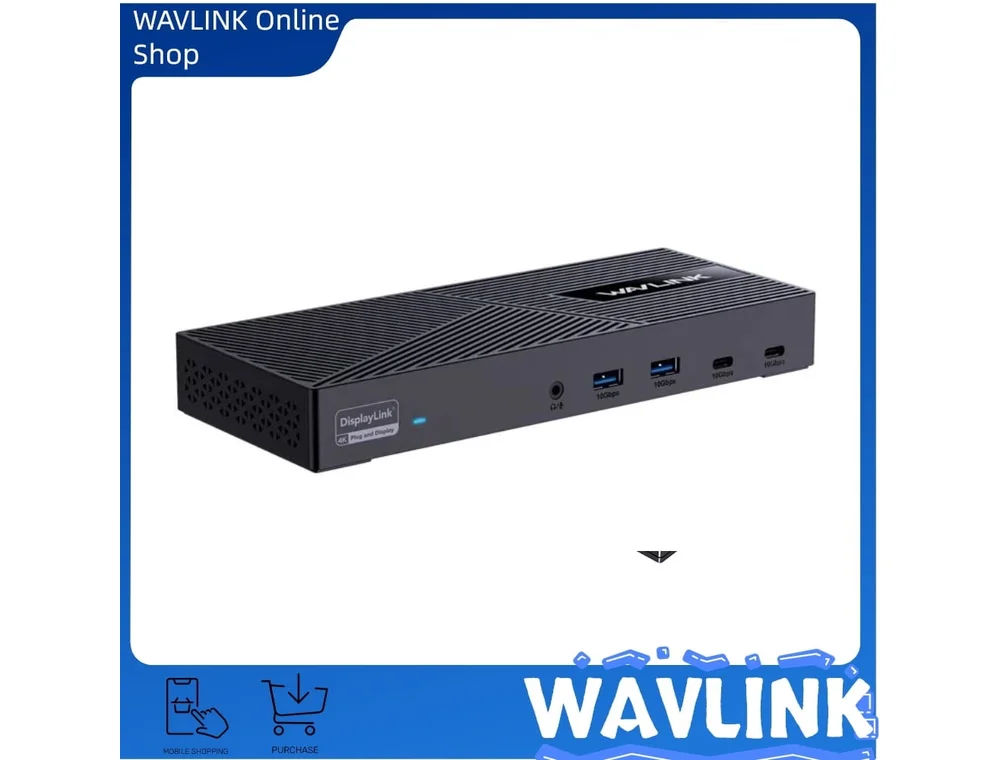
WAVLINK 15-in-1 docking station

USB-C host / advertised triple display

WAVLINK 15-in-1 docking station product image from the linked listing
Our assessmentHow we assess it
6.8/ 10
Listing scoreBased on listed specificationsNo hands-on testing
Host connection
USB-C
Advertised; limits to confirm
Triple display
Verify power delivered to host
100W advertised
Observed price · $149.99
NewWAVLINK Online Shop · Walmart
View listing at Walmart (opens in a new tab)

More connections for a fixed desk

The larger WAVLINK is worth investigating for a desk with several peripherals and monitors. The advertised triple-display capability needs to be matched to the laptop, operating system and display technology. It should not be read as a promise of three independent 4K screens on every ASUS laptop.

The broader connection set can reduce repeated cable swapping at a fixed workstation.

How we assess this listing

We give this listing 6.8/10. The recorded $149.99 price and broad advertised connection set make it worth examining for a fixed desk, but function count alone says little about the usable display arrangement. The triple-display promise, driver needs and advertised 100W figure all need model-specific clarification. That uncertainty limits the score until the intended ASUS laptop, operating system and monitor setup are explicitly supported.

This is an editorial assessment of the published specification and offer information recorded November 4, 2026. Missing prices, availability or configuration details limit the assessment; confirm the exact purchasable item before using this score to make a decision. We have not tested this product.

Configuration and purchasing details
Configuration shown
Brand
WAVLINK
Host connection
USB-C
Display claim
Advertised triple display
Function count
15 advertised functions
Charging claim
100W advertised; input versus host delivery unconfirmed
Software
Display mode and driver requirements to confirm
Purchasing details
Listed seller
WAVLINK Online Shop
Condition
New
Availability & delivery
Check retailer listing
Shipping & tax
Confirm at checkout
Returns & warranty
Check the selected seller's terms

Confirm the selected product, compatibility, seller and final total before ordering.

Offer information recorded Nov 4, 2026: Walmart listing (opens in a new tab). Prices, condition and availability may have changed.

Back to the comparison

OPTION 03 / 03

Our documented desk-dock starting point

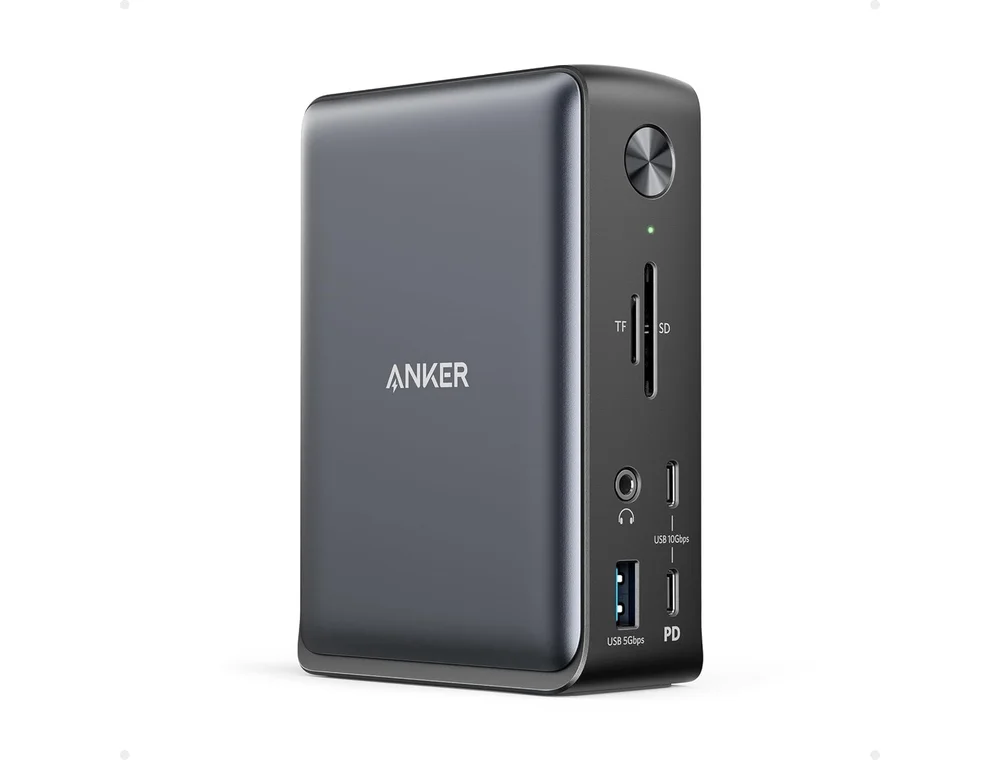
Anker 13-in-1 USB-C docking station

USB-C host / 2 HDMI and 1 DisplayPort

Anker 13-in-1 USB-C docking station product image from the linked listing
Our assessmentHow we assess it
8.0/ 10
Editorial scoreBased on listed specificationsNo hands-on testing
Listed video outputs
2 HDMI + DP
Host charging
Up to 85W
Verify host and OS support
USB-C
Observed price · $199.99
NewAnkerDirect · Walmart
View listing at Walmart (opens in a new tab)

Our documented desk-dock starting point

The Anker lists a specific 85W host-charging figure and a clear video-port arrangement. That makes it a useful starting point for a compatible productivity laptop. An ASUS gaming machine may still require its original high-wattage power supply while using the dock for peripherals.

Ethernet, card access and multiple video outputs suit a permanently connected desk.

How we assess this configuration

The Anker earns 8.0/10 for its clearer video-port arrangement and stated host-charging figure, which make compatibility questions more concrete than the competing headline counts. At the recorded $199.99, it is the most expensive option here. The score rewards that specification clarity and desk connectivity while remaining conditional on the Anker 575 model match, operating-system display behavior and sufficient power for the particular ASUS laptop.

This is an editorial assessment of the published specification and offer information recorded November 4, 2026. We have not tested charging, display output or stability. Verify the host laptop, operating system, ports and power supply against the exact dock before buying.

Configuration and purchasing details
Configuration shown
Brand / model
Anker; confirm Anker 575 model match
Host connection
USB-C
Video outputs
2 HDMI and 1 DisplayPort
Host charging
Up to 85W listed
Additional connections
Ethernet and card access listed
Display operation
Check host and operating-system limitations
USB-C data port
Not an additional video output
Purchasing details
Listed seller
AnkerDirect
Condition
New
Availability & delivery
Check retailer listing
Shipping & tax
Confirm at checkout
Returns & warranty
Check the selected seller's terms

Confirm the selected product, compatibility, seller and final total before ordering.

Offer information recorded Nov 4, 2026: Walmart listing (opens in a new tab). Prices, condition and availability may have changed.

Back to the comparison

BEFORE YOU BUY

One connector.
Several separate checks.

These WAVLINK and Anker docks are third-party products. Compatibility depends on the exact ASUS laptop port and the functions you expect to use.

AI-generated editorial image for USB-C docking stations for compatible ASUS laptops
AI-generated editorial image. Product appearance and specifications should be checked against the actual listing.

Read the laptop port specification

Check the manual for USB-C video output, charging input and data speed. These capabilities are separate. A data-only port cannot become a native display output because an adapter has an HDMI socket. Identify the precise port before choosing a dock.

Plan the actual monitor setup

Write down monitor count, resolution and refresh rate. Ask for the dock output matrix for your operating system and laptop. Triple display can mean different combinations, and the number of video sockets does not prove that every screen can run independently at its maximum resolution.

Keep charging power realistic

An 85W or 100W headline needs context. Check power delivered to the host and whether the power supply is included. A gaming laptop may need its original charger for demanding use even when the dock can handle displays and peripherals.

Match the dock to the laptop

Our ASUS gaming laptop guide shows why a powerful laptop may still need a separate charger. For a larger presentation screen, compare laptop projectors after confirming the video path from laptop to dock to display.

OUR APPROACH

How our scores work

A score for the listed product and the needs covered by this guide.

We consider host compatibility, display connections, charging specifications, included power supply and the recorded price. Each product's assessment explains the reasons for its score and the details still needing confirmation.

Scores in the 8s indicate a strong fit on paper within the shortlist. Scores in the 7s reflect meaningful compromises; lower scores flag narrower use cases, weaker value or substantial uncertainty. Scores depend on the guide's purpose and the selected offer, so the same product may score differently in another comparison.

These are editorial judgments based on published information. We have not performed hands-on testing. Offer information was recorded November 4, 2026; current price, seller, condition and availability must be checked.

COMMON QUESTIONS

The details
worth checking.

Are these official ASUS docking stations?

No. This selection contains two WAVLINK products and one Anker dock. They are third-party options to assess for a compatible ASUS laptop. Match the exact laptop, dock model and desired features before relying on a broad compatibility label.

Will any ASUS USB-C port work with a dock?

It may support data while lacking video output or charging input. Check the model manual and port symbols. ASUS explains USB-C capabilities separately, which is why the physical connector alone is not enough to confirm the complete docking setup.

Can the Anker dock charge an ASUS gaming laptop?

Its listed host charging is up to 85W. That may suit some productivity laptops but can be below a gaming laptop power requirement. Confirm USB-C charging support and keep the original charger connected when the manufacturer requires it for full-load operation.

Does triple display mean three independent desktops?

Not on every host and operating system. Monitor extension depends on the dock technology, available bandwidth and system support. Check Anker's display-mode guidance for the matching model before planning a multi-monitor purchase.

When is the compact WAVLINK enough?

It is the candidate when one HDMI display and a smaller set of peripherals meet your needs. Confirm the exact port count, HDMI timing and charging specification. A larger dock is worth considering when you can name the additional connections you will use.

Do I need drivers for a USB-C dock?

That depends on the dock video technology and operating system. Native DisplayPort Alt Mode and USB graphics solutions have different requirements. Ask for the exact model documentation before purchase, especially on a managed work laptop where installing drivers may be restricted.

A PLACE TO START

Anker 13-in-1 USB-C docking station

8.0/10Clearer desk-dock specification

The Anker is our desk-dock starting point because its listed host charging and video outputs are clear. The smaller WAVLINK may be sufficient for one display. Confirm the ASUS port and exact dock documentation before either purchase.

Review the option
Anker 13-in-1 USB-C docking station