CONFIGURATION 01 / 05
Lower-cost ChromeOS touchscreen
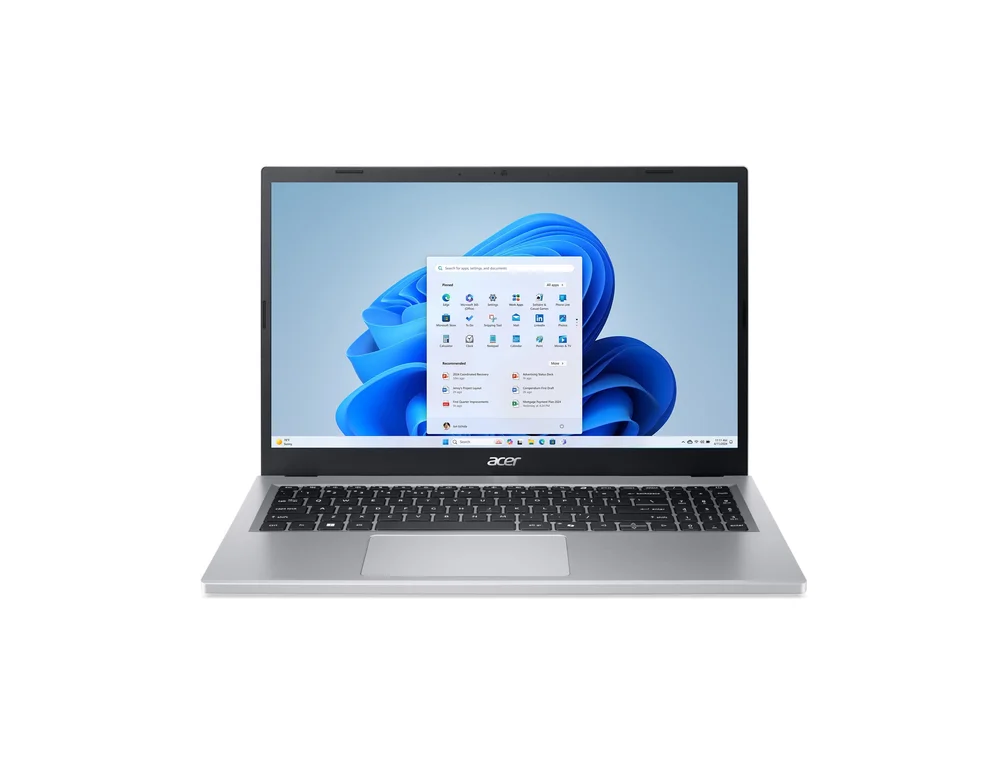
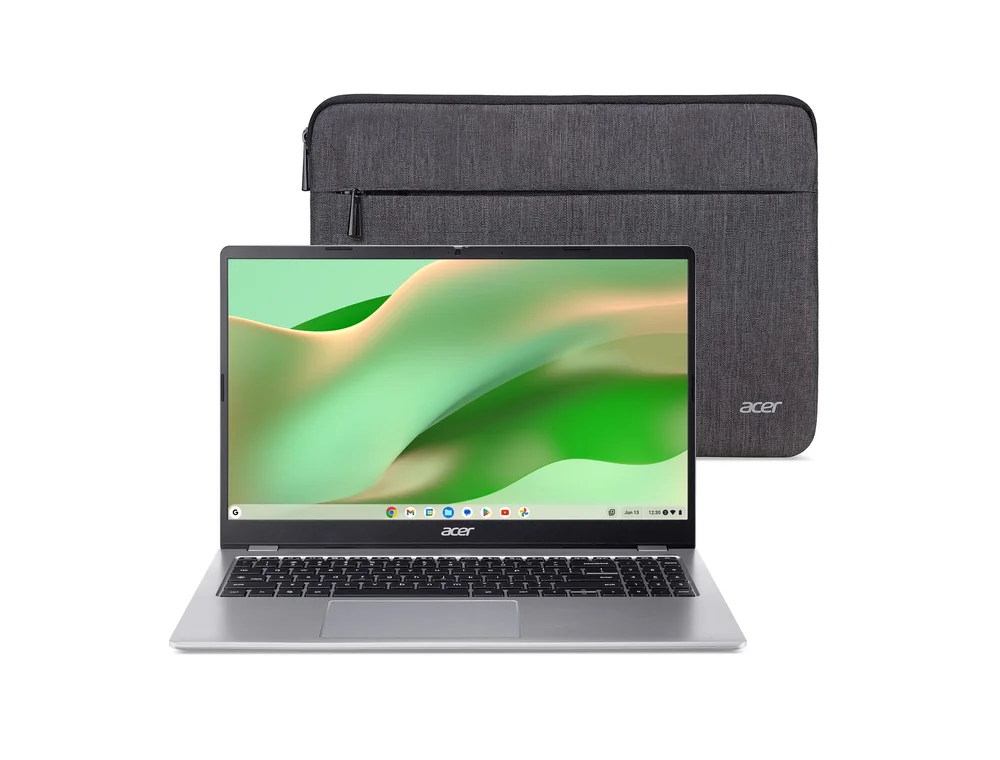
Acer Chromebook 315
Intel N50 / ChromeOS
- Memory
- 8GB RAM
- Storage
- 128GB flash storage
- FHD touch
- 15.6-inch
OUR TAKE
Lower-cost ChromeOS touchscreen
The Chromebook 315 is the least expensive way into a large touchscreen in this group. Its 8GB allocation is useful for a browser-focused school or home workflow. The operating system is the deciding factor: confirm that your required applications and peripherals work with ChromeOS before comparing it directly with Windows laptops.
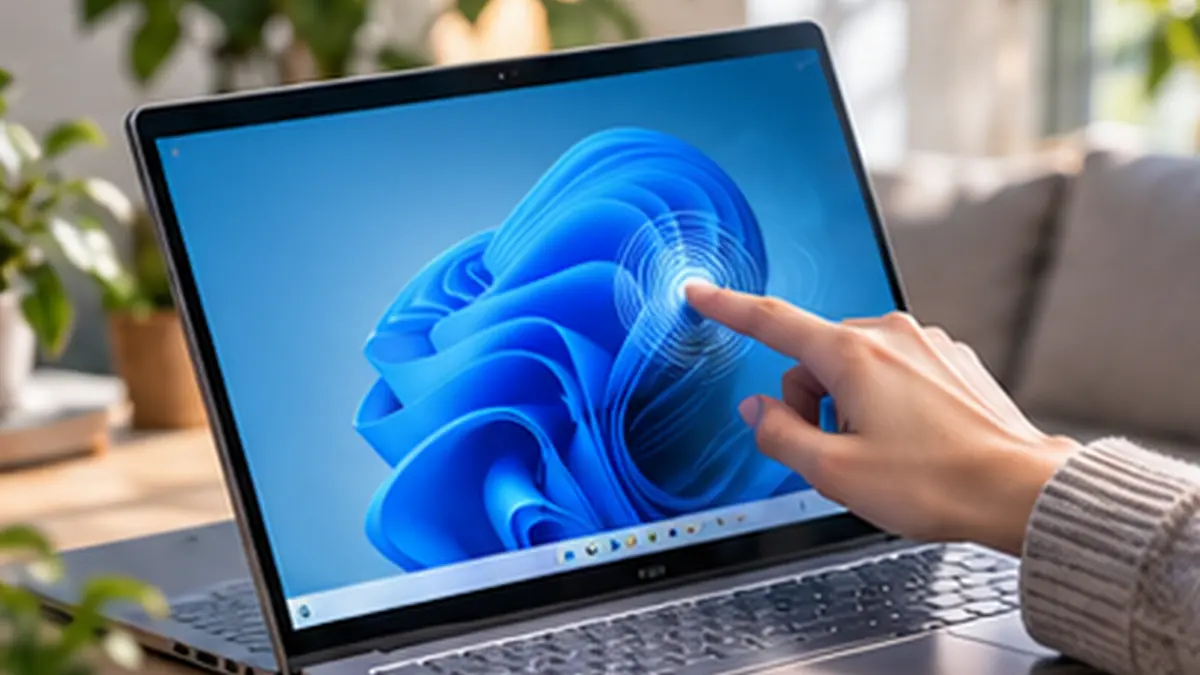
A 15.6-inch FHD touch display offers more working space than a small tablet.
How we assess this configuration
We score the Chromebook at 7.2/10 for delivering 8GB memory and a large FHD touchscreen at the recorded $264. That is an attractive starting point for compatible browser-based work. The 128GB flash capacity and operating system make it a different purchase from the Windows options. Its score remains conditional on required applications, peripherals and the exact model’s automatic-update period meeting the buyer’s needs.
This is an editorial assessment of the published specification and offer information recorded November 4, 2026. We have not measured performance, display accuracy, keyboard feel, fan noise or battery life. Confirm the exact model, software support and selected seller's terms before purchasing.
Configuration and purchasing details
Configuration shown
- Processor
- Intel N50
- Operating system
- ChromeOS
- Memory
- 8GB RAM
- Storage
- 128GB flash storage
- Display
- 15.6-inch FHD touch
Purchasing details
- Listed seller
- AZ TECH
- Condition
- New
- Availability & delivery
- Check retailer listing
- Shipping & tax
- Confirm at checkout
- Returns & warranty
- Check the selected seller's terms
Confirm the selected product, compatibility, seller and final total before ordering.
Offer information recorded Nov 4, 2026: Walmart listing (opens in a new tab). Prices, condition and availability may have changed.