CONFIGURATION 01 / 03
Our memory-first starting point
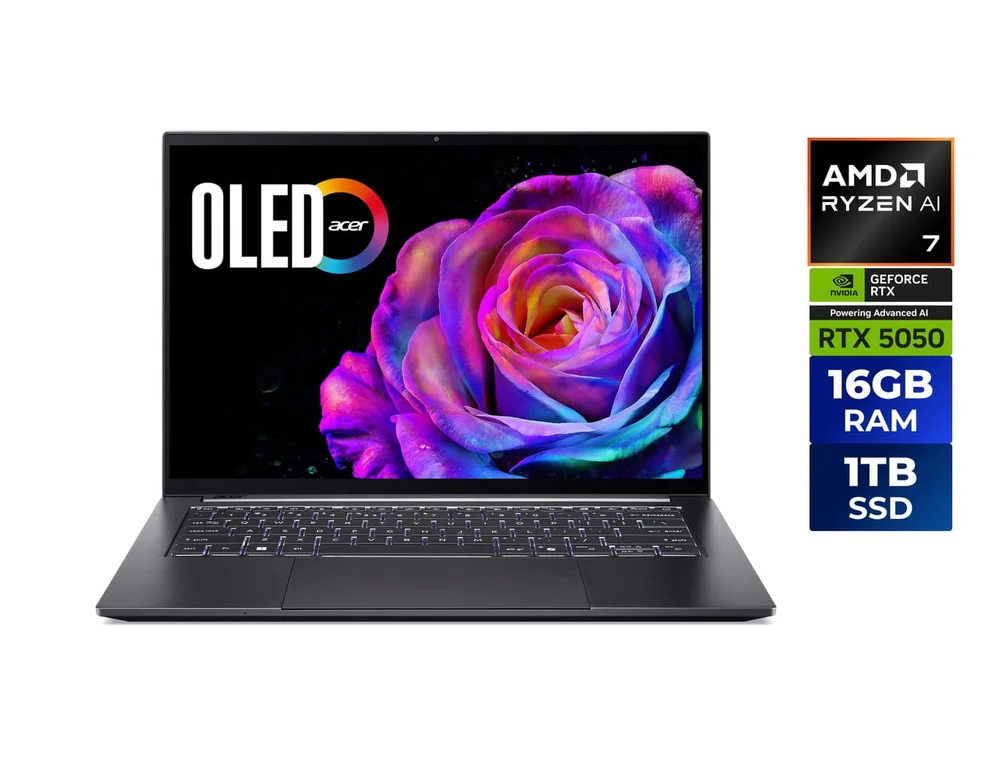
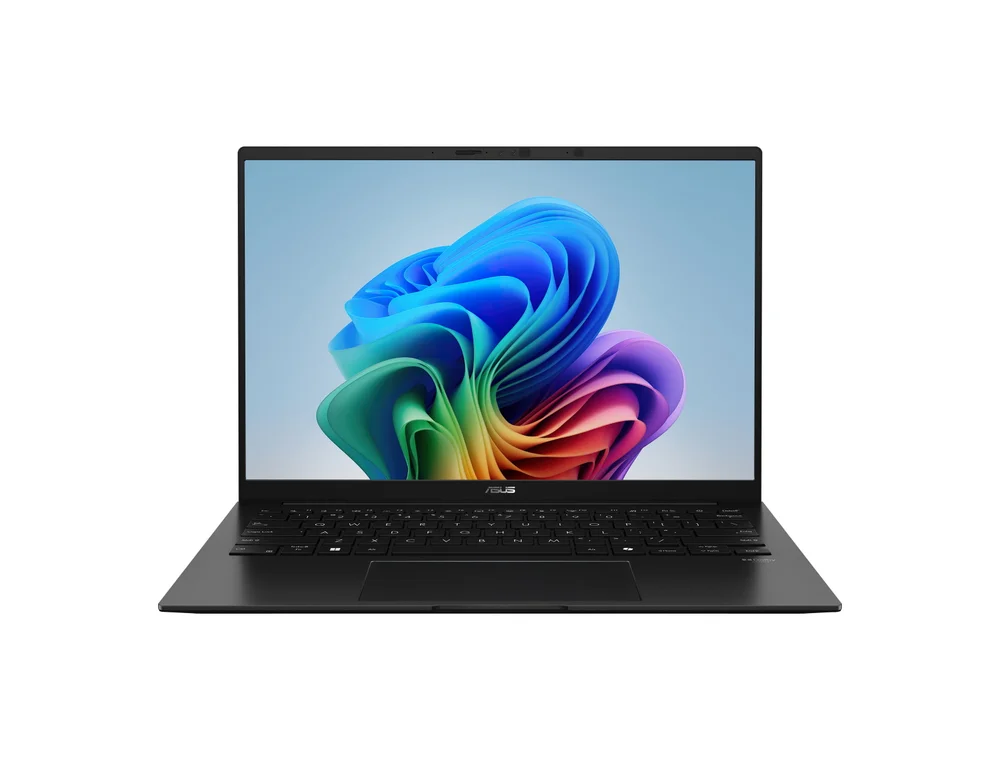
ASUS Zenbook 14 OLED
Ryzen AI 7 445 / integrated graphics
- Memory
- 32GB RAM
- Project storage
- 1TB SSD
- WUXGA touch display
- 14-inch OLED
OUR TAKE
Our memory-first starting point
The Zenbook is the memory-first option for a Photoshop shortlist. Its 32GB allocation gives more working room than the two 16GB entries when documents and other applications are open together. The 1TB SSD is also useful for local projects, though a backup remains separate from working storage.
It combines the largest RAM allocation here with OLED and touch input in a 14-inch format.
How we assess this configuration
We score the Zenbook 8.3/10 within this Photoshop shortlist because its 32GB memory allocation addresses a practical editing constraint while keeping a 1TB SSD at the observed $1,199 price. It is our starting point for memory-heavy work. The score stops short of a stronger recommendation because integrated graphics and the 1920 × 1200 display need to suit your workflow; OLED alone does not establish calibrated color accuracy.
This is an editorial assessment of the published specification and offer information recorded November 4, 2026. We have not measured performance, display accuracy, keyboard feel, fan noise or battery life. Confirm the exact model, software support and selected seller's terms before purchasing.
Configuration and purchasing details
Configuration shown
- Processor / graphics
- Ryzen AI 7 445 / integrated graphics
- Memory
- 32GB RAM
- Storage
- 1TB SSD
- Display
- 14-inch WUXGA OLED touch
- Condition
- New
Purchasing details
- Listed seller
- Walmart.com
- Condition
- New
- Availability & delivery
- Check retailer listing
- Shipping & tax
- Confirm at checkout
- Returns & warranty
- Check the selected seller's terms
Confirm the selected product, compatibility, seller and final total before ordering.
Offer information recorded Nov 4, 2026: Walmart listing (opens in a new tab). Prices, condition and availability may have changed.