Laptops with optical-drive listings for legacy needs Keep access to your discs.
Check what comes with it.

Compare three older laptop listings for CD, DVD or Blu-ray needs. Verify the installed optical drive, supported software and condition before buying.

Compare 3 configurations
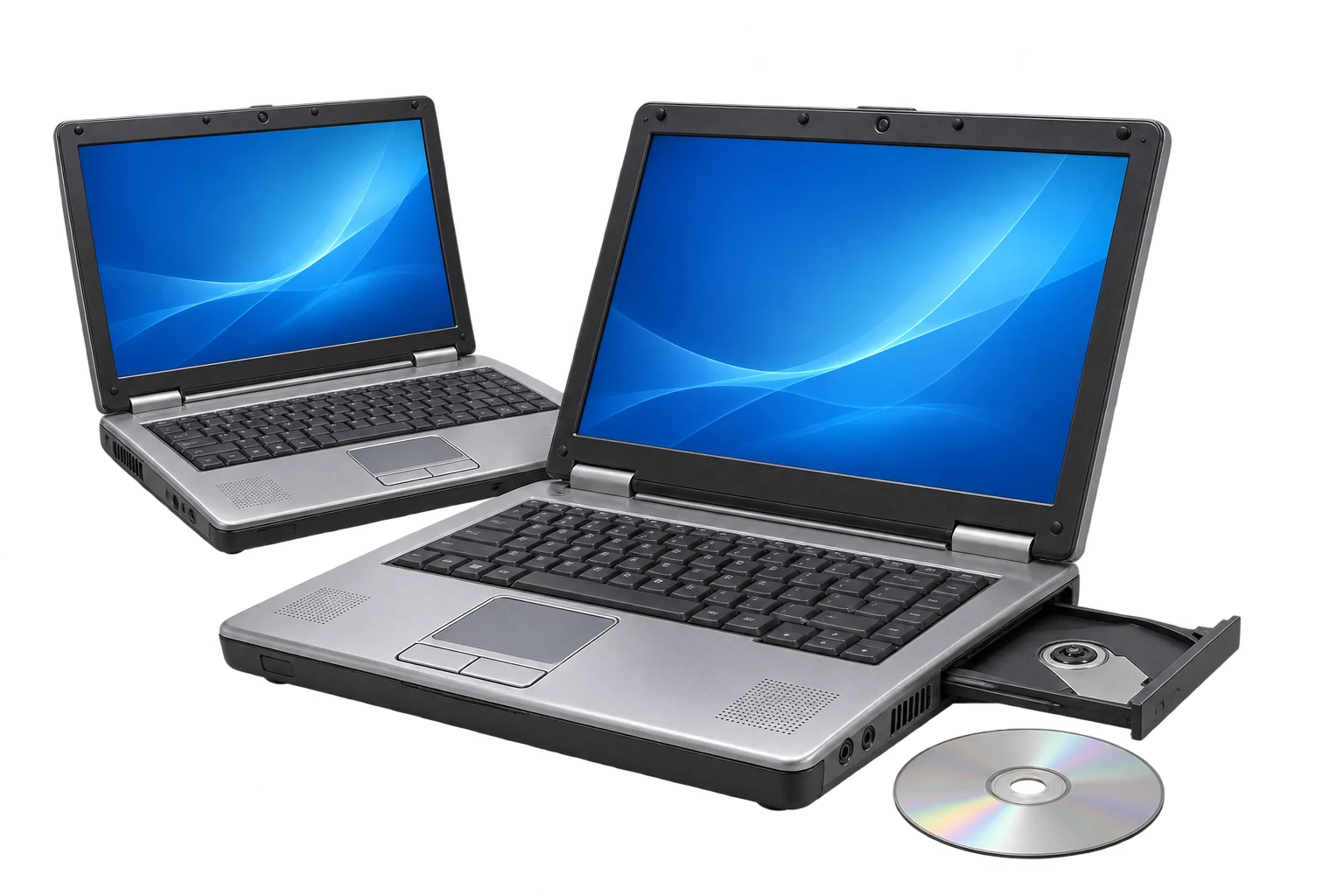
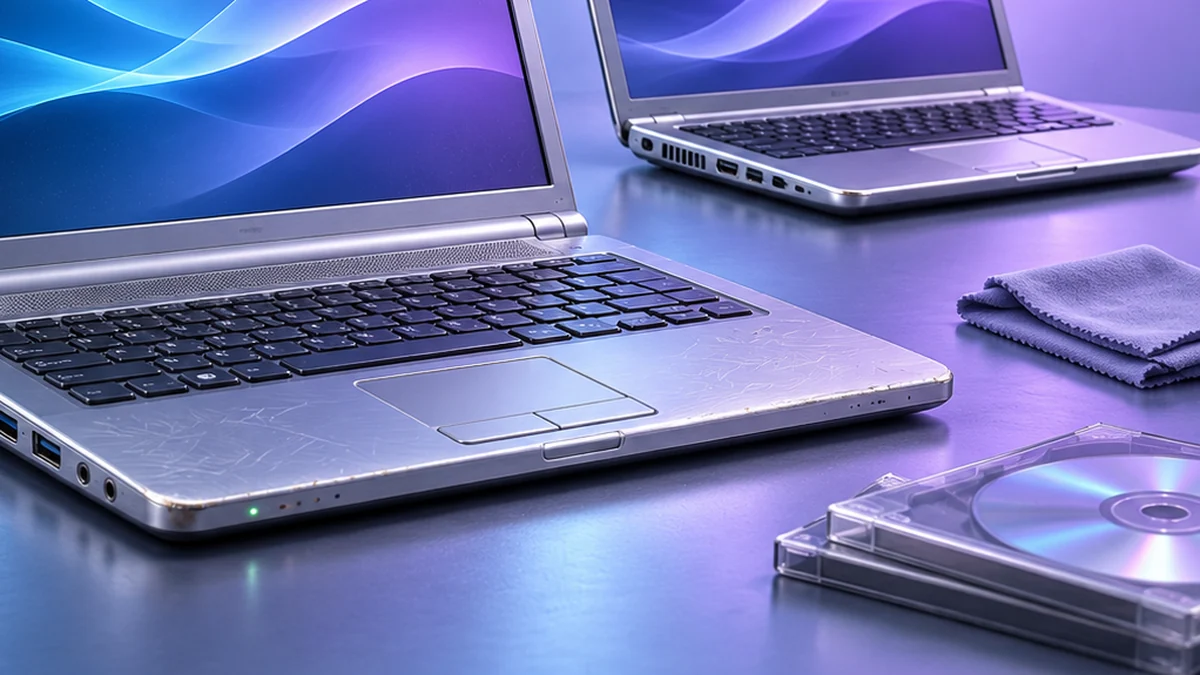
Older-style laptop with an open optical disc tray
Legacy platformsVerify installed driveCD and DVD differCheck software support
AI-created concept illustration. Product listings below show retailer images.

By Laptop Den editorial · Updated November 15, 2026

Affiliate disclosure: We may earn a commission if you buy through links on this page. Prices are observed item prices in USD, before any applicable tax or delivery charges. Our comparisons are research-based, with no hands-on testing claims.

THE SHORTLIST

Laptops with optical-drive listings for legacy needs

The Latitude is the capacity-focused legacy candidate, subject to confirming the installed drive and software support. For most new everyday purchases, compare a current laptop plus an appropriate external optical drive before choosing one of these older platforms.

Showing all 3 configurations. Offer information recorded November 4, 2026.

Scores reflect the listed specifications, intended use and recorded offer within this guide. How our scores work.

The details behind your shortlist.

The specifications, trade-offs and reasoning behind each score.

CONFIGURATION 01 / 03

Lower-cost legacy candidate

HP ProBook 650 G2 refurbished

Core i5-6200U / legacy platform
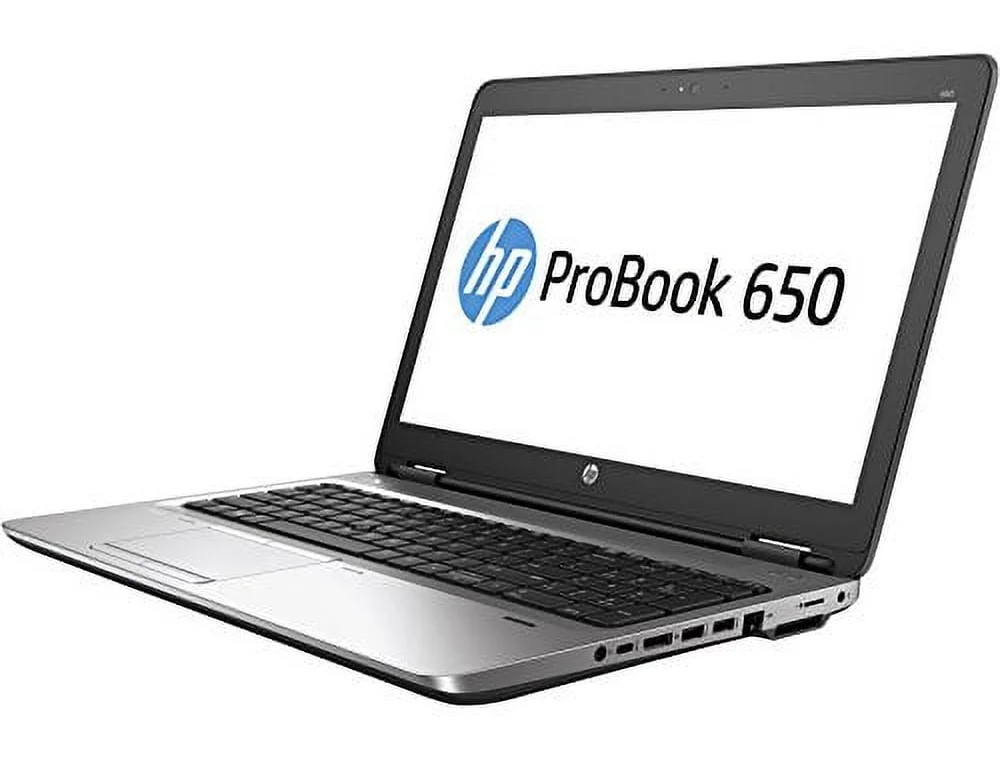
HP ProBook 650 G2 refurbished product image from the linked listing
Our assessmentHow we assess it
5.2/ 10
Listing scoreBased on listed specificationsNo hands-on testing
Listed memory
8GB RAM
System storage
256GB SSD
Installed model to confirm
Optical drive
Observed price · $209.99
Restored: Like NewASN Depot, Inc. · Walmart
View listing at Walmart (opens in a new tab)

Lower-cost legacy candidate

The ProBook is the lowest-priced legacy laptop here. It is worth investigating only when an internal optical drive or older hardware compatibility is a specific requirement. For a new everyday purchase, a current laptop with an external USB drive may be the more practical route.

A 256GB SSD avoids relying on a mechanical system drive in this older chassis.

How we assess this listing

The ProBook listing earns 5.2/10 for a specific legacy requirement at the observed $209.99. Its 8GB RAM and 256GB SSD are defined, but the feature that matters most to this guide, the installed optical drive, still needs confirmation. The modest saving against the 16GB Latitude also limits its appeal. This score assesses the documented offer, with battery condition, disc capabilities and operating-system support unresolved for the individual restored unit.

This is an editorial assessment of the published specification and offer information recorded November 4, 2026. Missing prices, availability or configuration details limit the assessment; confirm the exact purchasable item before using this score to make a decision. We have not tested this product.

Configuration and purchasing details
Configuration shown
Processor / platform
Core i5-6200U / legacy platform
Memory
8GB RAM
Storage
256GB SSD
Display / drive information
15.6-inch display, confirm optical drive
Condition
Restored: Like New
Purchasing details
Listed seller
ASN Depot, Inc.
Condition
Restored: Like New
Availability & delivery
Check retailer listing
Shipping & tax
Confirm at checkout
Returns & warranty
Check the selected seller's terms

Confirm the selected product, compatibility, seller and final total before ordering.

Offer information recorded Nov 4, 2026: Walmart listing (opens in a new tab). Prices, condition and availability may have changed.
Back to the comparison

CONFIGURATION 02 / 03

More memory and SSD capacity

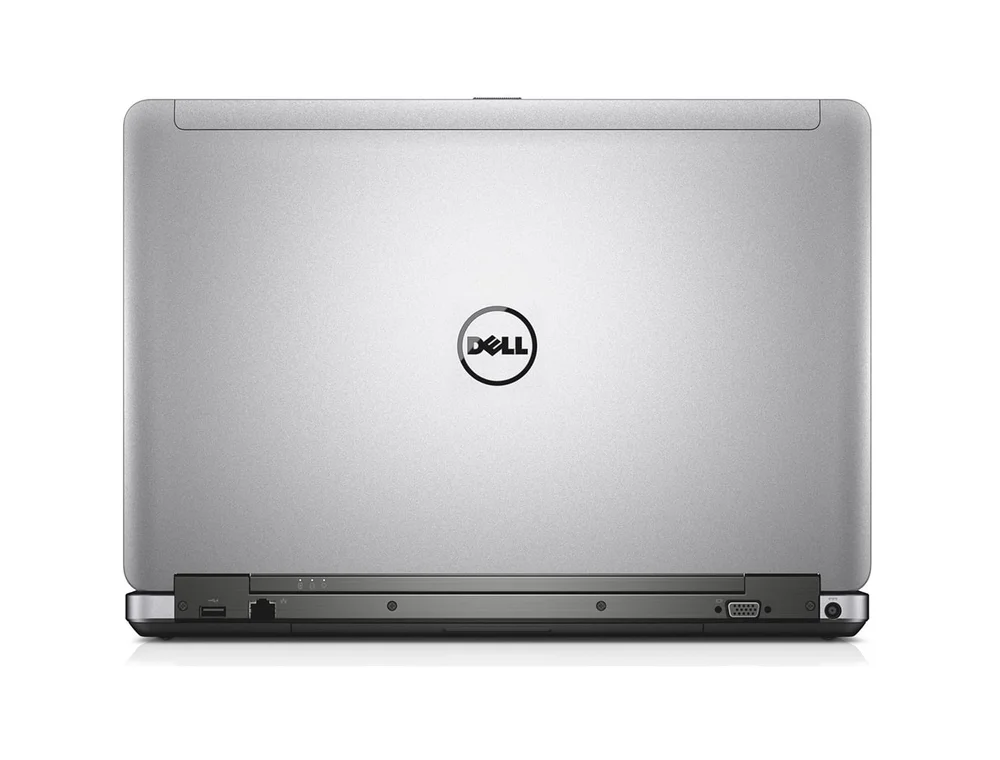
Dell Latitude E6540 refurbished

Intel Core i7, confirm exact model

Dell Latitude E6540 refurbished product image from the linked listing
Our assessmentHow we assess it
5.7/ 10
Listing scoreBased on listed specificationsNo hands-on testing
Listed memory
16GB RAM
System storage
512GB SSD
Photo and disc test needed
Optical drive
Observed price · $229.99
Restored: Like NewASN Depot, Inc. · Walmart
View listing at Walmart (opens in a new tab)

More memory and SSD capacity

The Latitude doubles both memory and SSD capacity compared with the ProBook for a modest item-price increase. That makes it the capacity-focused legacy candidate. Its older platform still requires a software-support plan, and the exact installed optical drive must be confirmed for the individual unit.

The 16GB and 512GB combination offers more working space for a defined offline or legacy application.

How we assess this listing

We score the Latitude listing 5.7/10 because its observed $229.99 buys twice the ProBook's RAM and SSD capacity for a $20 increase. That makes it the capacity-focused candidate for a defined legacy workload. The overall score stays limited because the exact processor, optical-drive installation and software-support plan remain unresolved. A drive photograph and functional disc test matter more here than the fact that the original model family could include one.

This is an editorial assessment of the published specification and offer information recorded November 4, 2026. Missing prices, availability or configuration details limit the assessment; confirm the exact purchasable item before using this score to make a decision. We have not tested this product.

Configuration and purchasing details
Configuration shown
Processor / platform
Intel Core i7, confirm exact model
Memory
16GB RAM
Storage
512GB SSD
Display / drive information
15.6-inch HD, confirm optical drive
Condition
Restored: Like New
Purchasing details
Listed seller
ASN Depot, Inc.
Condition
Restored: Like New
Availability & delivery
Check retailer listing
Shipping & tax
Confirm at checkout
Returns & warranty
Check the selected seller's terms

Confirm the selected product, compatibility, seller and final total before ordering.

Offer information recorded Nov 4, 2026: Walmart listing (opens in a new tab). Prices, condition and availability may have changed.

Back to the comparison

CONFIGURATION 03 / 03

High-priced Blu-ray reference

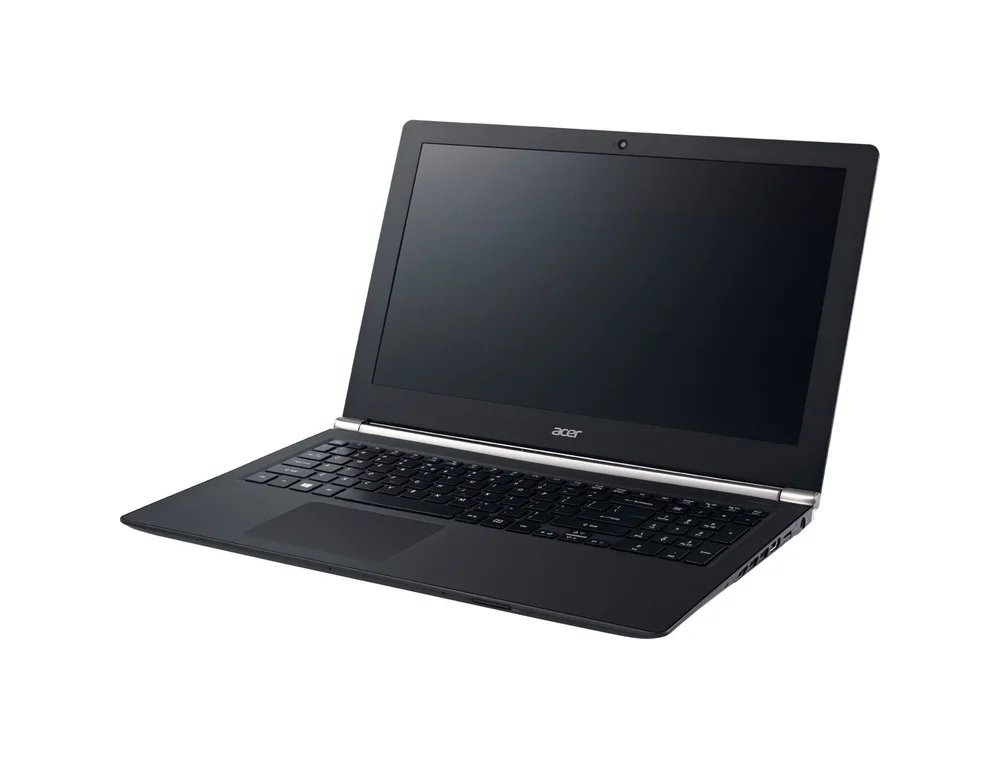
Acer Aspire VN7-791G-78VM

Core i7-4710HQ / legacy platform

Acer Aspire VN7-791G-78VM product image from the linked listing
Our assessmentHow we assess it
3.8/ 10
Listing scoreBased on listed specificationsNo hands-on testing
Listed optical drive
Blu-ray writer
Memory
16GB RAM
Mechanical system storage
1TB HDD
Observed price · $1,218.88
NewSuperE, LLC · Walmart
View listing at Walmart (opens in a new tab)

High-priced Blu-ray reference

This Acer explicitly lists a Blu-ray writer, but the high price and Windows 8.1 specification make it difficult to recommend as a general-purpose purchase. Its value would need to come from a very specific legacy requirement. Compare the total cost with a newer laptop and a compatible external optical drive first.

The listing names a Blu-ray writer rather than leaving the optical format unspecified.

How we assess this listing

The Acer listing receives 3.8/10 because the observed $1,218.88 price is high for this legacy platform, despite the explicitly named Blu-ray writer. Its 16GB RAM and 1TB capacity do not remove the limitations of a mechanical system drive and the listed Windows 8.1 installation. The score concerns a specialized legacy purchase only. Verify the physical drive, media functions and supported software plan, then compare the total with a newer laptop and external drive.

This is an editorial assessment of the published specification and offer information recorded November 4, 2026. Missing prices, availability or configuration details limit the assessment; confirm the exact purchasable item before using this score to make a decision. We have not tested this product.

Configuration and purchasing details
Configuration shown
Processor / platform
Core i7-4710HQ / legacy platform
Memory
16GB RAM
Storage
1TB hard drive
Display / drive information
17.3-inch FHD / listed Blu-ray writer
Condition
New
Purchasing details
Listed seller
SuperE, LLC
Condition
New
Availability & delivery
Check retailer listing
Shipping & tax
Confirm at checkout
Returns & warranty
Check the selected seller's terms

Confirm the selected product, compatibility, seller and final total before ordering.

Offer information recorded Nov 4, 2026: Walmart listing (opens in a new tab). Prices, condition and availability may have changed.

Back to the comparison

BEFORE YOU BUY

The disc is familiar.
The support needs checking.

These are older platforms. An internal optical drive can serve a specific requirement, but it should not obscure operating-system support or the condition of the machine.

AI-generated editorial image for Laptops with optical-drive listings for legacy needs
AI-generated editorial image. Product appearance and specifications should be checked against the actual listing.

Verify the installed drive

Ask for the exact optical-drive model and a photograph of the individual laptop. A chassis that originally offered a drive may now have a blanking panel or storage caddy. Request a functional test using the disc format you need to read or write.

Distinguish CD, DVD and Blu-ray

Reading and writing are different capabilities, and support for one format does not guarantee another. The Acer explicitly lists a Blu-ray writer. Confirm media compatibility and playback software separately, especially when using commercial movie discs or older application media.

Settle the operating-system plan

The processors and Windows versions named here are old. Confirm a supported system that meets your application needs before connecting the machine to everyday accounts. A refurbished SSD or a clean condition grade does not make an unsupported platform current.

Compare an external-drive setup

For occasional disc access, compare a newer machine from our under-$500 guide or under-$1,000 shortlist with a compatible external USB drive. Check the software and disc format before assuming an internal drive is necessary.

OUR APPROACH

How our scores work

A score for the listed product and the needs covered by this guide.

We consider the processor and graphics, memory, storage, display, condition and recorded price. Each product's assessment explains the reasons for its score and the details still needing confirmation.

Scores in the 8s indicate a strong fit on paper within the shortlist. Scores in the 7s reflect meaningful compromises; lower scores flag narrower use cases, weaker value or substantial uncertainty. Scores depend on the guide's purpose and the selected offer, so the same product may score differently in another comparison.

These are editorial judgments based on published information. We have not performed hands-on testing. Offer information was recorded November 4, 2026; current price, seller, condition and availability must be checked.

COMMON QUESTIONS

The details
worth checking.

Which laptop with a CD drive should I investigate first?

The refurbished Latitude E6540 offers more listed memory and SSD capacity than the ProBook for a modest price increase. It is a legacy candidate, not a general recommendation. Confirm the actual installed optical drive and a suitable operating-system plan before purchase.

Does every ProBook 650 G2 or Latitude E6540 include a drive?

Do not assume so for an individual refurbished unit. A drive bay may have been changed or populated differently. Ask the seller for the installed drive model, a photograph and a functional disc test before relying on the original model-family specification.

Can a CD or DVD drive play Blu-ray discs?

Only if the drive explicitly supports Blu-ray. A standard CD or DVD drive does not gain that capability through software alone. The Acer listing names a Blu-ray writer, but you still need to verify the hardware and compatible playback software.

Is Windows 8.1 suitable for a new everyday setup?

Windows 8.1 is out of support, so the Acer listing requires a supported operating-system plan before ordinary connected use. Its high price does not change the age of the platform. Compare a newer laptop with an external drive before choosing this legacy configuration.

Does a Windows 11 listing settle compatibility?

Ask for evidence that the exact hardware officially supports the installed operating system. A seller label is not sufficient for older processors. Microsoft's support guidance provides context for moving away from Windows 10, but the individual machine still needs verification.

Would an external USB optical drive be simpler?

Often it is worth comparing for occasional disc access. Confirm the drive reads or writes the formats you need and that the operating system supports your software. This can avoid choosing an older laptop solely because it has an internal drive bay.

A PLACE TO START

Dell Latitude E6540 refurbished

5.7/10More capacity for legacy use

The Latitude is the capacity-focused legacy candidate, subject to confirming the installed drive and software support. For most new everyday purchases, compare a current laptop plus an appropriate external optical drive before choosing one of these older platforms.

Review the configuration
Dell Latitude E6540 refurbished